Restoring bundle's data
The Web Console is a developer tool and must not be used in production.
To reload and use data that has been saved for a specific bundle, execute the following steps:
- Use the Browse button to locate and select the file holding the desired backup information.
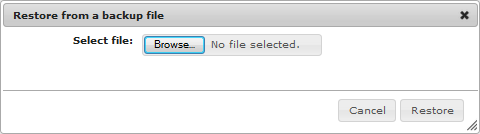
- Select the Backup Providers you want to use to restore the backed up data by checking the desired check-boxes from the Select column.
- Press the Execute Restore button to reload the data for the specified bundle(s).
- Click OK from the pop-up dialog that appears. It informs you about the results of the operation.


