


|
|
|
|
|
The Web Console is a developer tool and must not be used in production.
The Web Console allows you to filter all installed bundles and view only the ones that meet some criteria. You have two options for filtering available bundles:
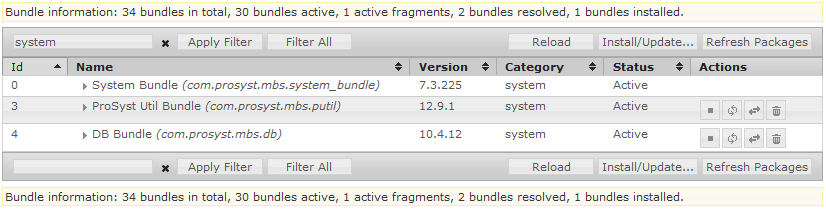
Enter your criterion in the filter text field by using a String expression or a regular JavaScript expression (ECMA-262 standard). When ready, click the Apply Filter button or press Enter. For example, using the ^web search criterion lists only those bundles with values of the Bundle-Name, Bundle-Category and Bundle-SymbolicName manifest headers starting with "web".
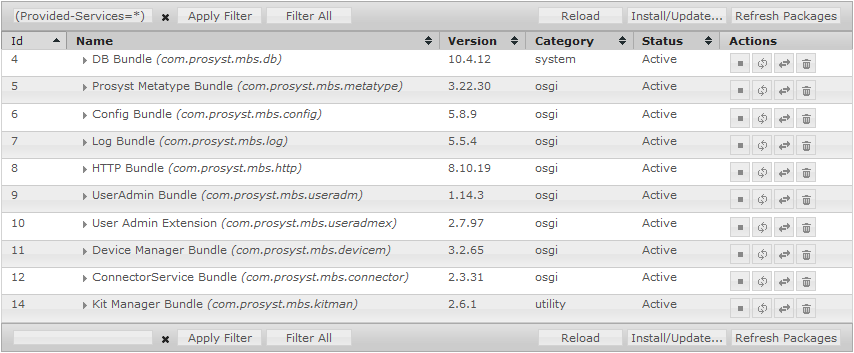
Enter an LDAP filter for a specific manifest header in the filter text field and click the Filter All button. For example, using the (Config=*) search criterion results in displaying only those bundles that have the Config manifest header.