


|
|
|
|
|
The Web Console is a developer tool and must not be used in production.
The Web Console supports two types of authentication: HTTP Basic and form-based. To switch between the two ways of accessing the Web Console, use the mbs.web.console.auth.basic system property. By default, it is set to "true" and HTTP Basic authentication is used. In this case you can access the functionality of the Web Console by using "admin" as a user name and password when prompted.
In case you have a user with administrative rights and you want to use it to log in the Web Console, set the mbs.web.console.auth.basic system property to "false". Thus you will use the form-based authentication that makes the Web Console accessible through the http://<host>:<port>/system/http/login URL (for a plain connection). Refer to the User Admin service documentation for more information on managing users, groups and their credentials.
A Please login dialog appears prompting you to enter the user name and password.
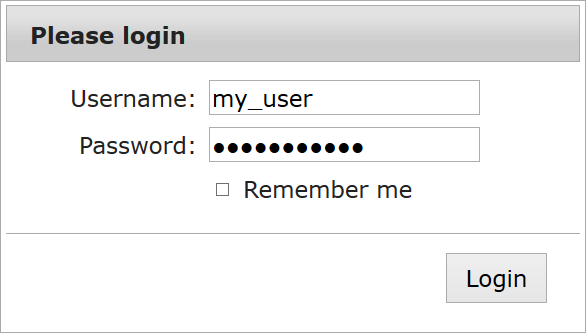
Click Login and if the user is authenticated and authorized, a page with all aliases registered with the HTTP Server will be loaded. Select the "/system/console" alias from the list on the right to enter the Web Console.