


|
|
|
|
|
There are several REST configuration provided, which can be viewed and managed through the Web Console.
Choose the Configuration option from the drop-down menu from the OSGi tab as it is shown on the image below. A sortable table appears to conveniently view all available configurations in the Name column with their registering bundle in the Bundle column. The Actions column provides you with three buttons to Edit the configuration values, Unbind the configuration from its bundle or Delete it.
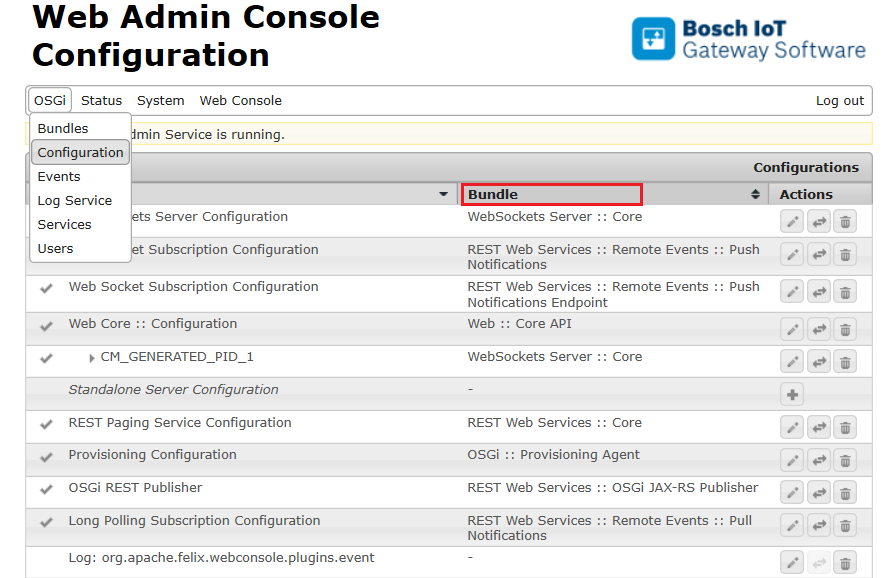
A click over a name from the second column provides you with more information about the bundle, that registers the configuration.
To examine and manage the configurations:
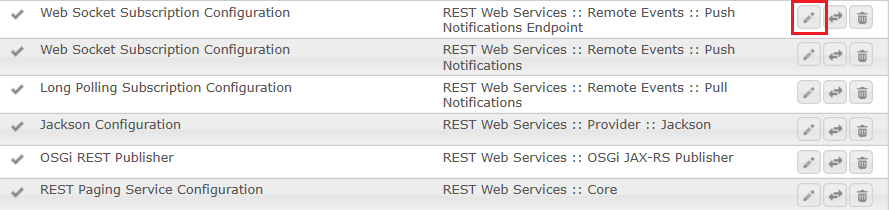
As a result the chosen configuration is presented with all its property names, values and descriptions, and Configuration Information about its Persistent Identity (PID) and Configuration Binding like the one below:
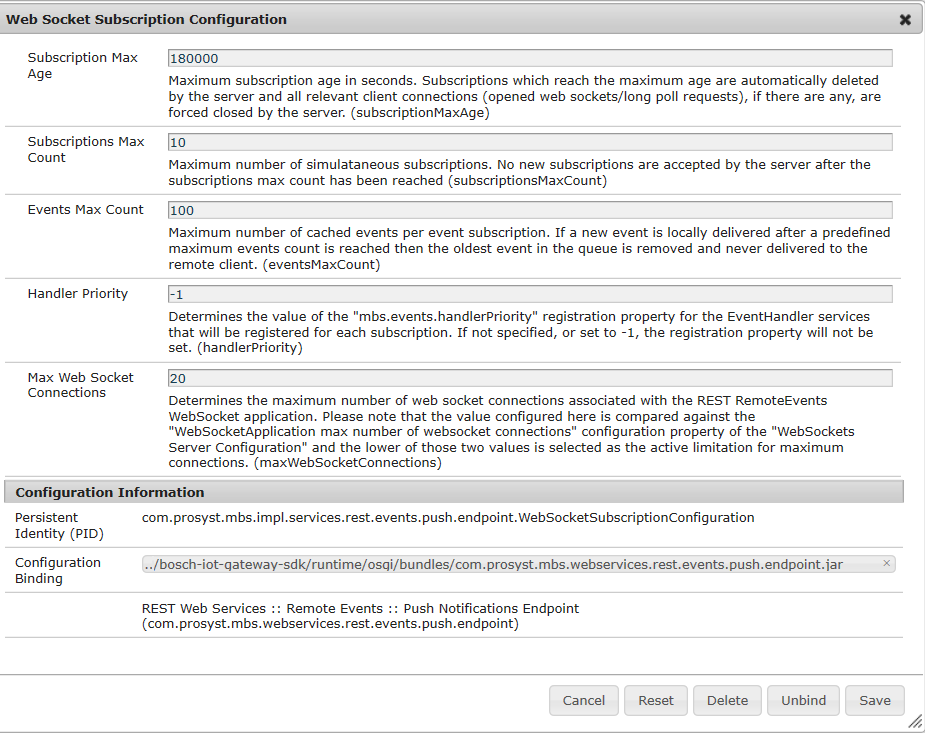
By carefully changing the default values of these properties, you can create custom configurations suitable for your application. All REST configurations with their properties are described in the Setup Guide.