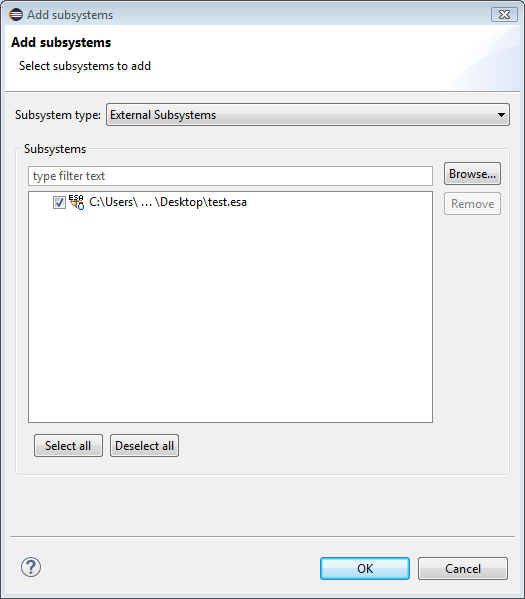
Adding Subsystems to a Framework Image
To add Subsystems to a Framework image in Eclipse:
- Select and double click the desired image in the Package explorer.
- Go to the Subsystems tab.
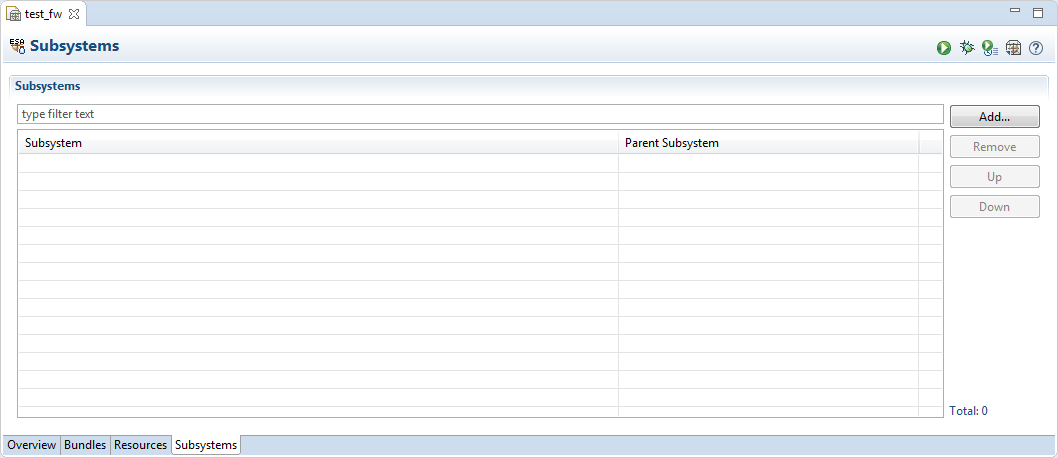
- To Add a new Subsystem click the Add button. The Add subsystems wizard will open.
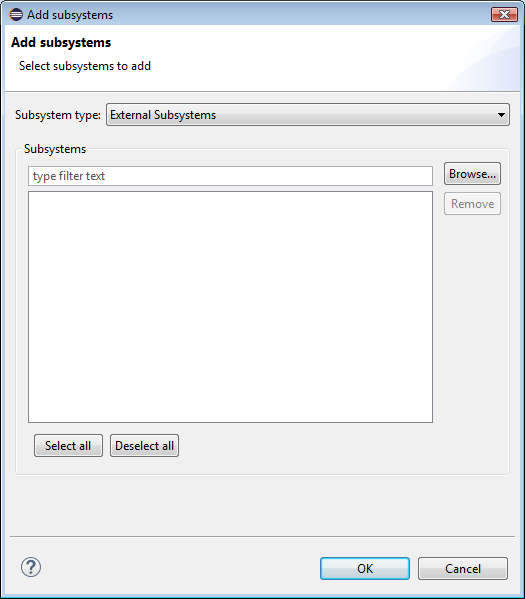
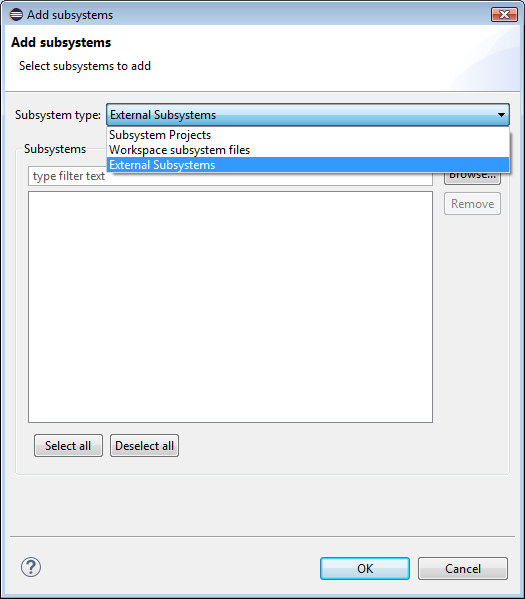
- From the Subsystem type drop-down menu select the desired type.
- Select the desired bundle and click OK.