


|
|
|
|
|
In the Identities tab you can modify the members of groups and change the policy for specific identities. You can also define new or edit existing policies.
If the policy is defined in a properties file with the key format, described in Defining IDs and Policies, it can not be changed via the Web Console.
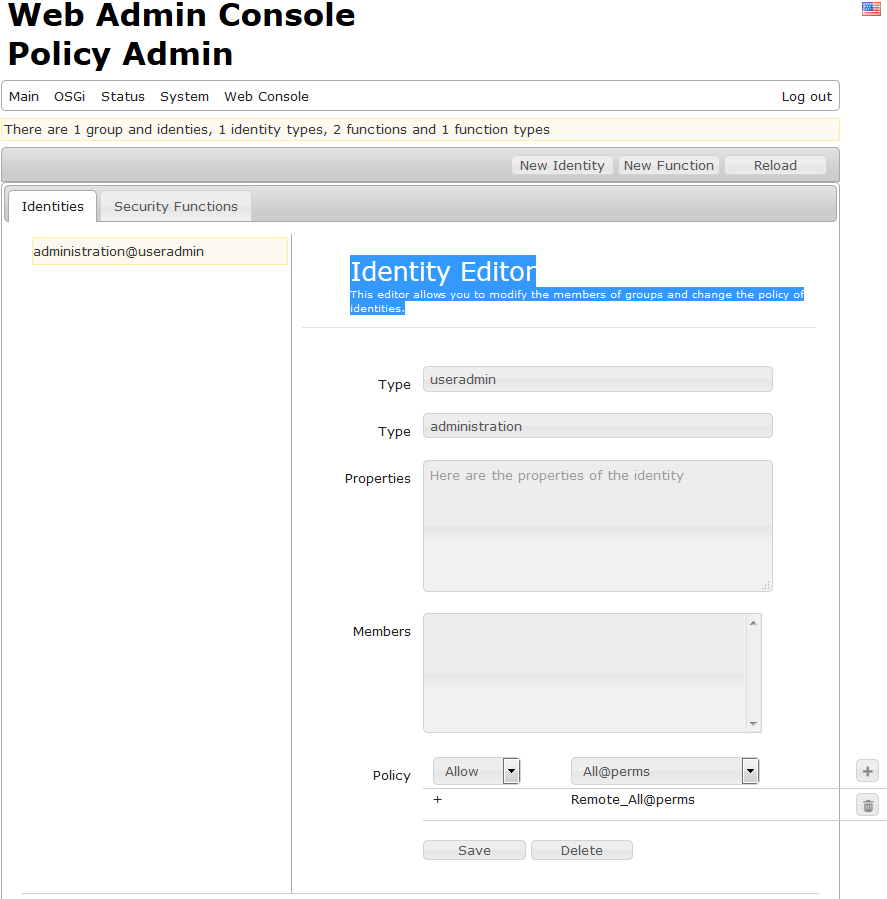
How to Edit an Identity
Choose an Identity from the list on left to change its policy or members. Select the function you want to permit or deny:
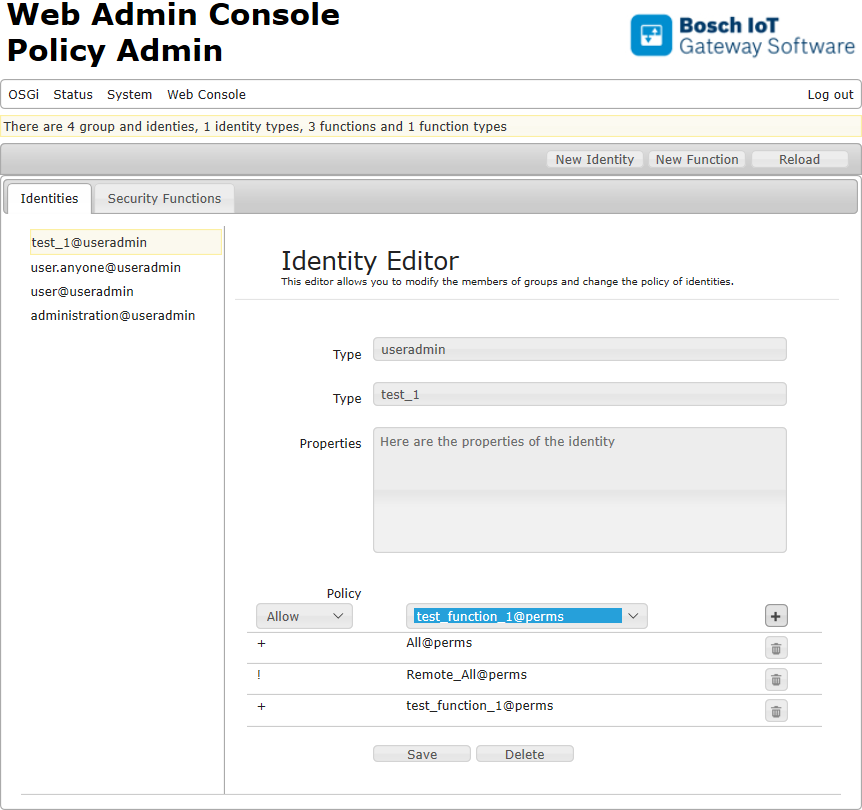
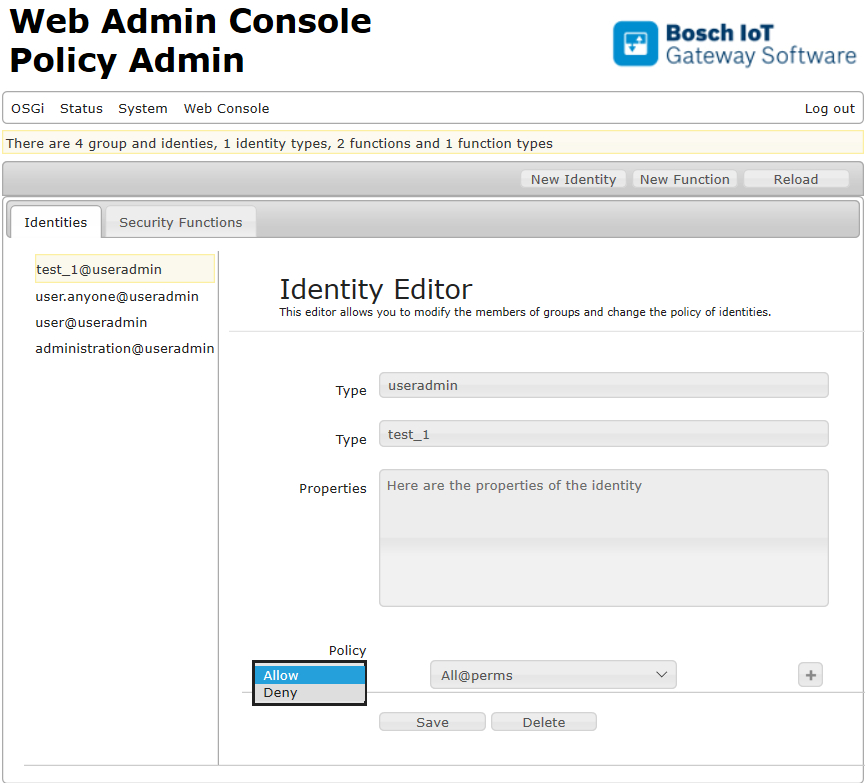
From the drop-down menu choose to Allow or Deny the selected function:
Add your decision with the  button next to the function box.
If you try to add a function, which is already present in the policy table, you will receive the following message:
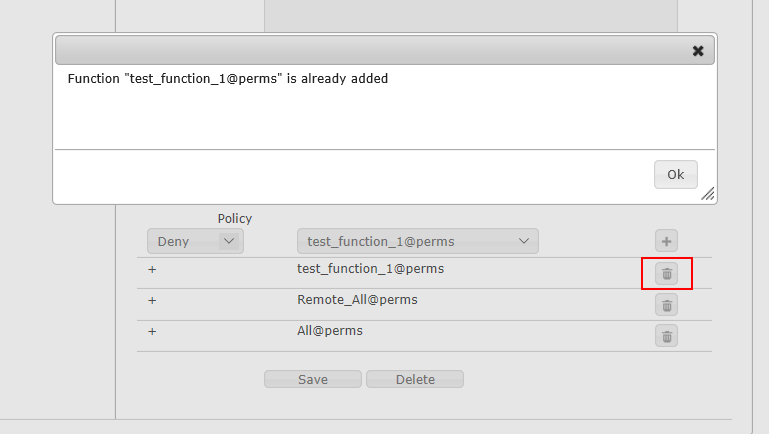
As shown above, you have to remove the function first with the recycle bin button at the end of its raw. Only then you are allowed to include the function again in the policy table with the button.
Use the Save button to apply the policy modifications for the identity, you have selected.
To remove a selected identity from the list on the left side use the Delete button.