


|
|
|
|
|
If you click on the New Function button:
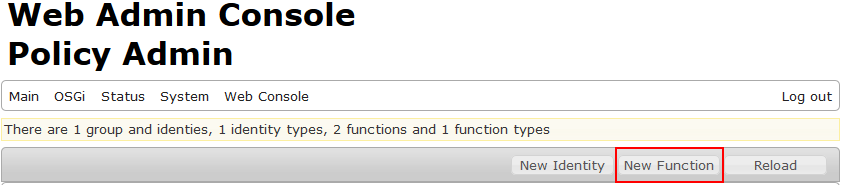
the window below will pop-up:
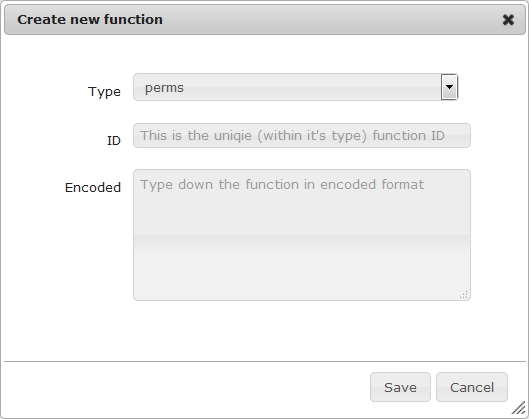
Choose the Type from the drop-down menu and fill in the ID box.
The Encoded box contains the JSON representation of the function object with its properties.
In the Encoded box you have to describe the new function in JSON format as shown in the example below:
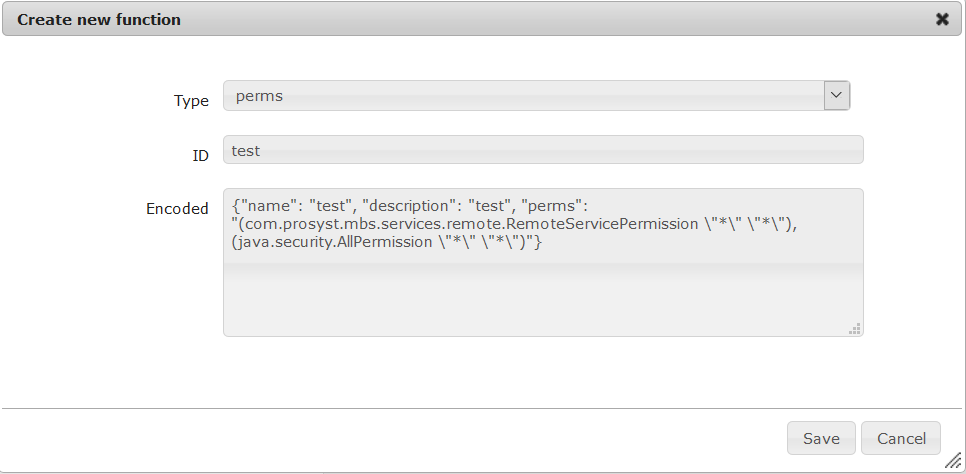
The properties of the function object are:
Their values are of string type.
There are no special requirements for the "name" and "description" properties. Their value is "test" in the example above.
The "perms" property contains comma divided permissions of the new function you want to provide. If there are nested quotes you have to escape them.