


|
|
|
|
|
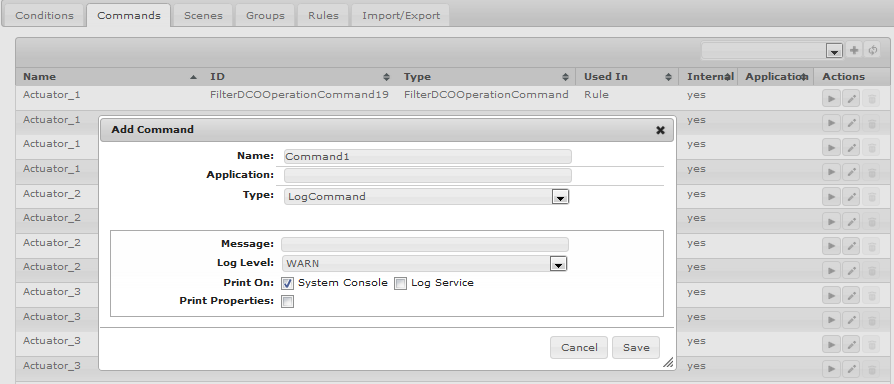
The HAM Web Console Plug-in delivers a convenient graphical user interface which enables users to handle commands, conditions and rules.
The interface visualizes information about a given command or condition by displaying its configuration properties in an HTML template, which is embedded in the Home Automation page. From this template, users can assign new values to the properties and save their changes thus updating the configuration.
Programming Tasks
To develop a Web Console GUI for configuring commands or conditions of your custom type, execute the following steps:
Demo
You can examine the HAM Console Web Demo for illustration of developing web UI-s for custom commands and conditions. Furthermore, you can also examine the HAM Console Demo for illustration of developing a custom command type.