|
|
|
|
|
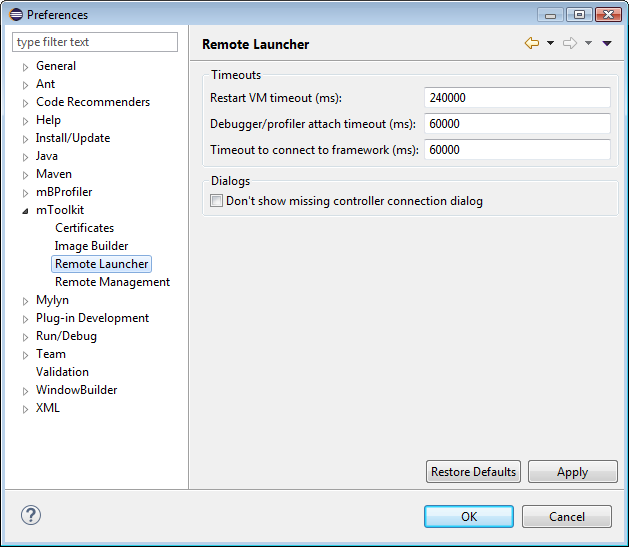
(Re)Launching the OSGi runtime remotely in debug/profile mode on a slow device might take more timeout than originally expected. To change the timeout for relaunch:
As a result, the framework is restarted in debug mode but the iAgent Client cannot be connected. In this case, define a second timeout by setting the mbsa.mbsmanager.timeout.long.time.operation (with default value of 120 seconds) and mbsa.mbsmanager.timeout.short.time.operation (with default value of 5 seconds) properties specified as VM arguments in the <eclipse_home_dir>eclipse.ini file.