


|
|
|
|
|
OSGi Provisioning Bundle
The visual administration of the Provisioning Bundle through the Web Admin Console consists of viewing and configuring the provisioning properties.
To enable initial provisioning through Web Console follow the steps below:
As the properties are exported as a dictionary compliant with the OSGi Configuration Admin service, for their management Web Admin Console shows its general property editor.
To activate initial provisioning editor:
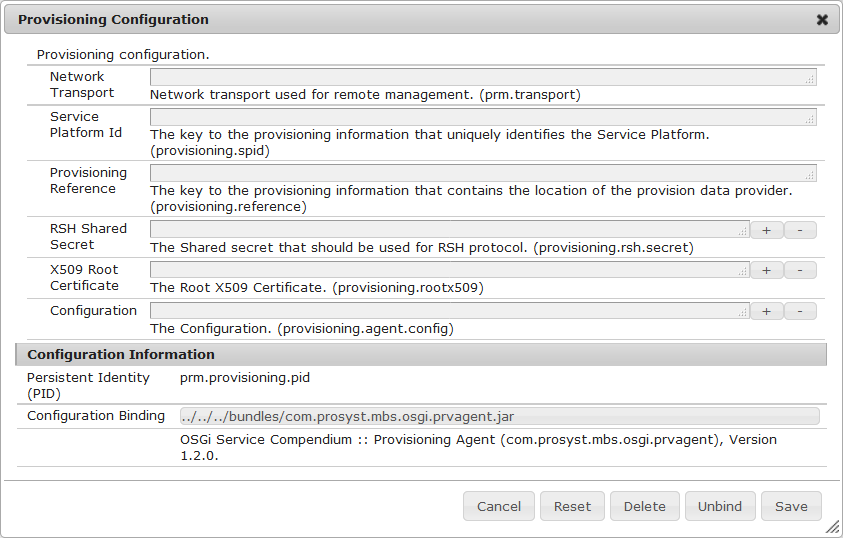
Basically, the configurable properties include specifying the provisioning URL of the backend system, the management agent configuration, the X.509 root certificate for the HTTPS provisioning scheme, the shared secret for the RSH provisioning scheme and the platform ID.
The Save button saves the changes. The Reset button clears information filled in so far in the configuration form.