Visual administration over the UPnP Driver Bundle is provided via the Web Admin Console application. Based on the console representation of OSGi-compliant configurations, you can adjust the essential UPnP communication parameters as well as the parameters of the UPnP Device Filter.
To configure the driver, follow the directions:
Start the framework or make sure it is on.
Install and start the UPnP Driver Bundle.
Install the Web Admin Console bundles and the Apache Felix Web Console UPnP Plugin bundle – org.apache.felix.webconsole.plugins.upnp.jar). Open a Web browser and go to URL http://<mbs_host>:<http_port>/system/console (specify the port only if it is different from "80"). Then log in the runtime (the default account is admin/admin).
In the Configuration tab, use the following configurations:
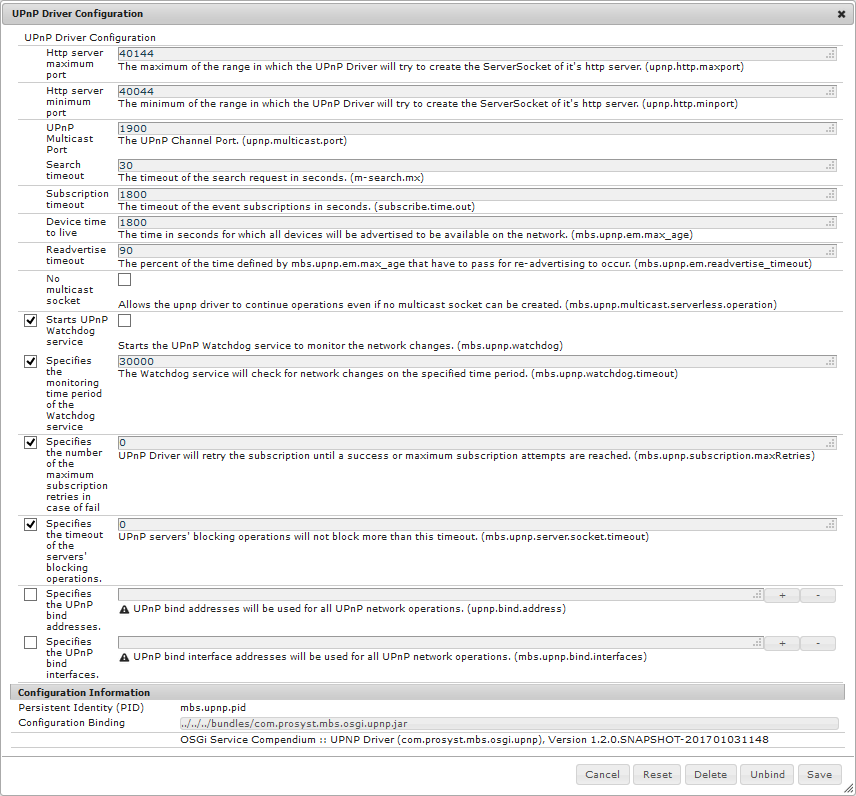
Select UPnP Driver Configuration for the general configuration of the UPnP Driver bundle. Edit the available general configuration properties in the UPnP Driver Configuration page:
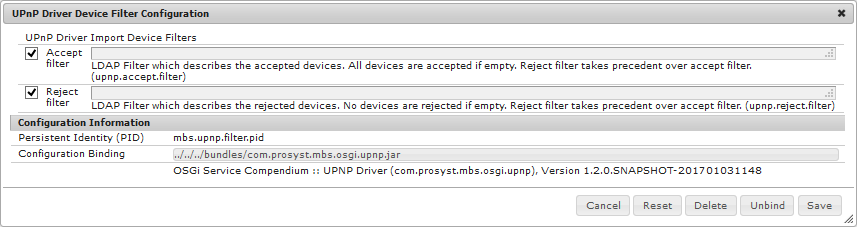
Select UPnP Driver Device Filter Configuration for the configuration of the Device Filter. For more details about the settings, refer to the mbs.upnp.filter.pid configuration description.
The UPnP Driver Device Filter Configuration page contains the configuration of the UPnP Device Filter:
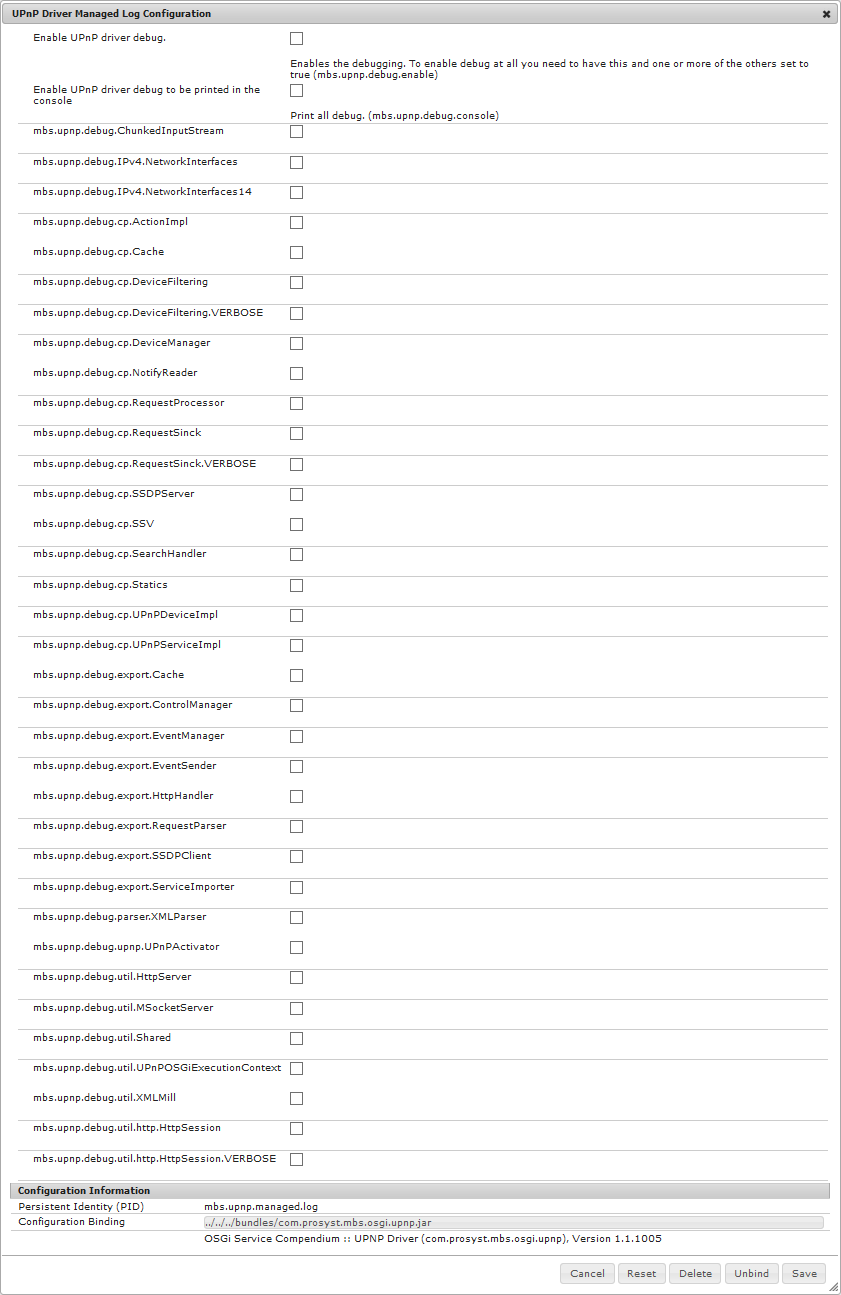
Select the UPnP Driver Managed Log Configuration for the debug configuration.