


|
|
|
|
|
For each sensor of the CISS device, there will be a corresponding com.prosyst.mbs.services.da.items.Sensor item.
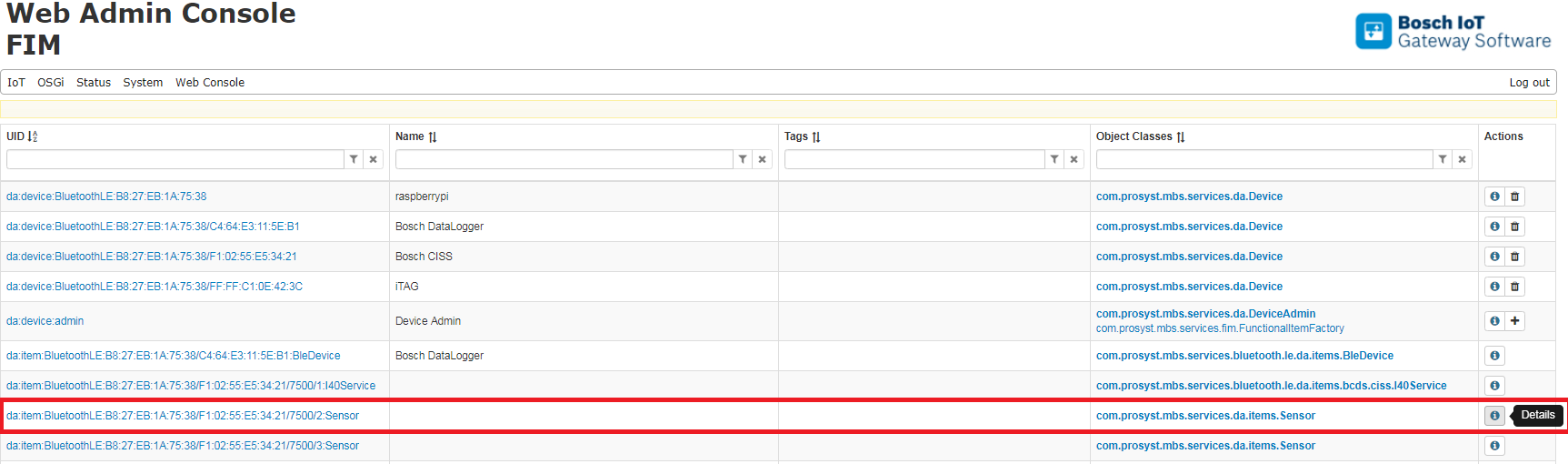
Click on the  button on one of the Sensor Items:
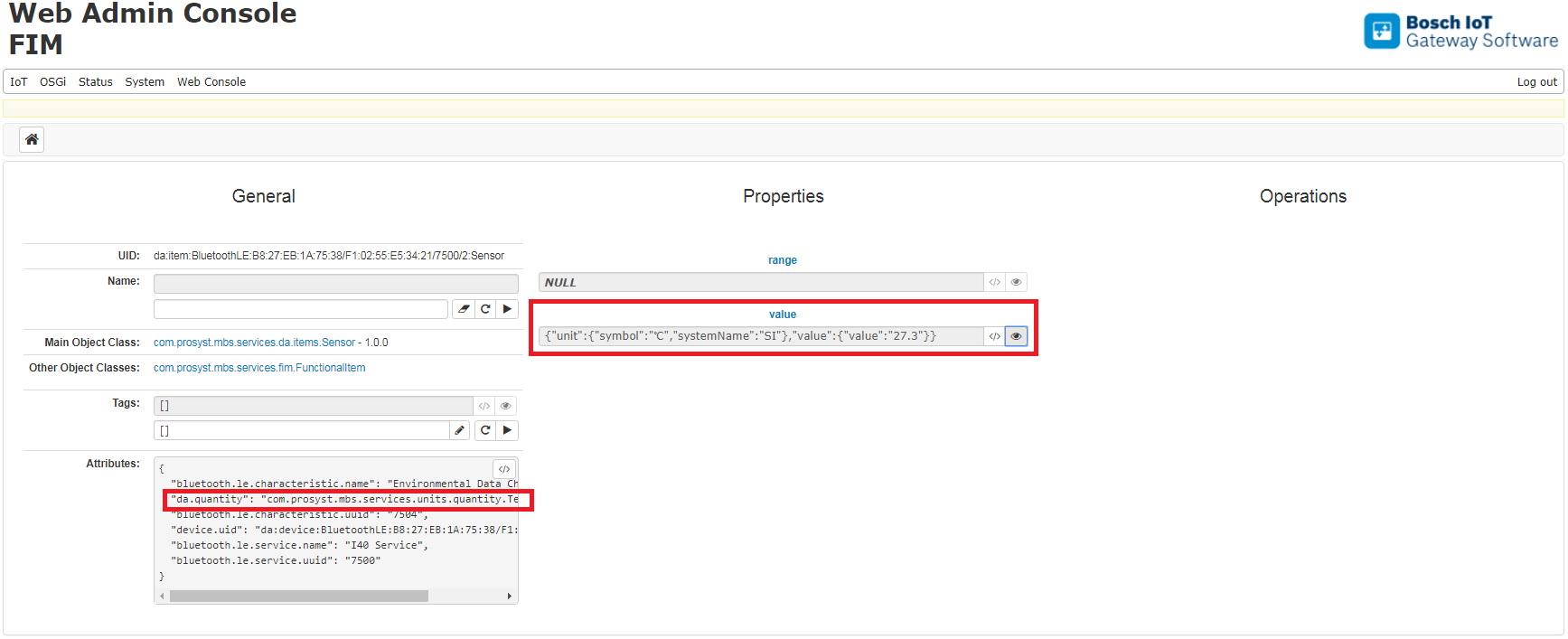
In the Sensor Item page above, the da.quantity attribute indicates that this is a temperature sensor. The value property contains the current result reported by the sensor: the unit (degree Celsius) plus the numeric value (27.3).
For some sensors, the measured quantity is not enough to determine what the sensor is measuring. For example, in the Sensor Item page of the humidity sensor, we have:
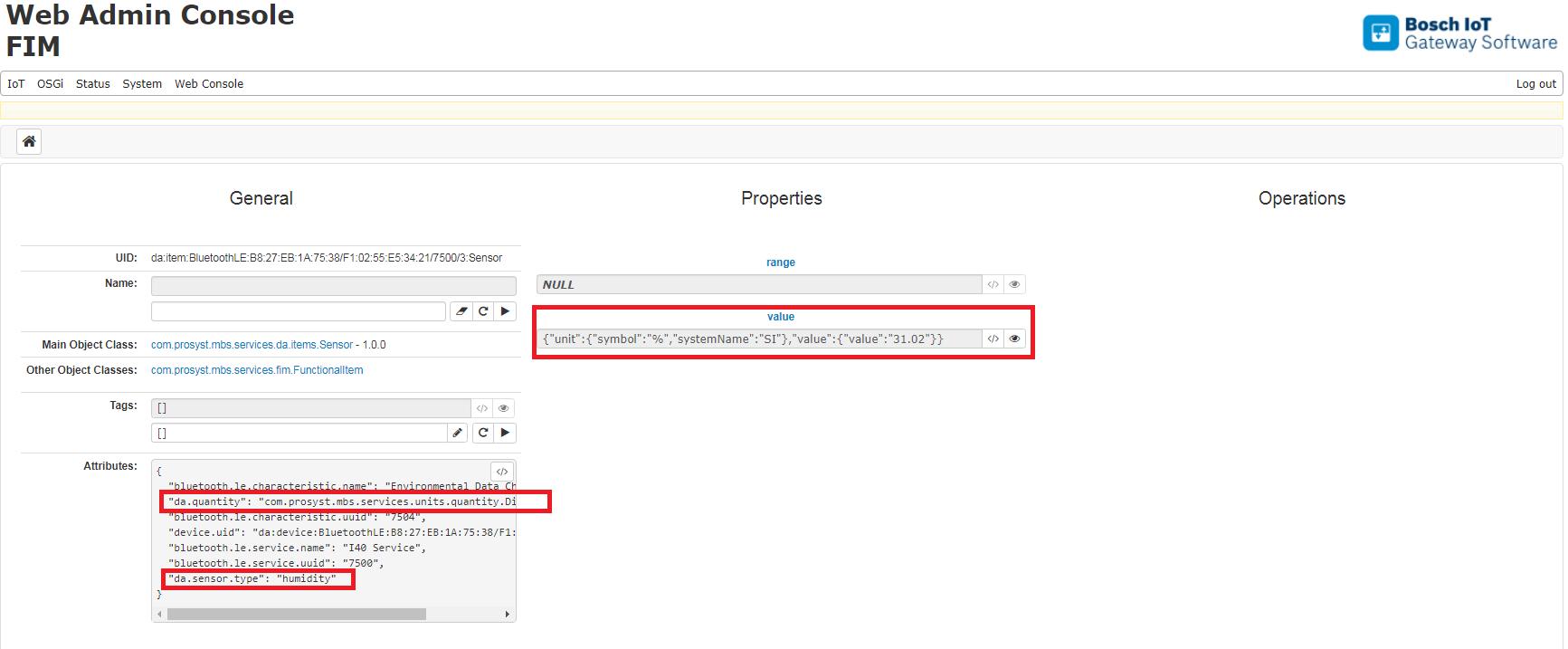
The value of the da.quantity attribute is com.prosyst.mbs.services.units.Dimensionless, and the unit of the value property is %. In such cases, the da.sensor.type attribute is used to indicate that the sensor, in this case, is measuring humidity.