|
|
|
|
|
The BACnet module has two different configurations. Thеsе configurations have both static and dynamic updates once the system is running.
Refer to "Changing Settings" to see how configurations can be set via the Text Console or the Web Admin Console.
To see all properties and their default values and descriptions type in the text console: Config>$config.details -v <configuration_pid>
To view the configurations in the Web Admin Console, go to OSGI > Configuration. To open each configuration, use the icons under Actions on the right-hand side.

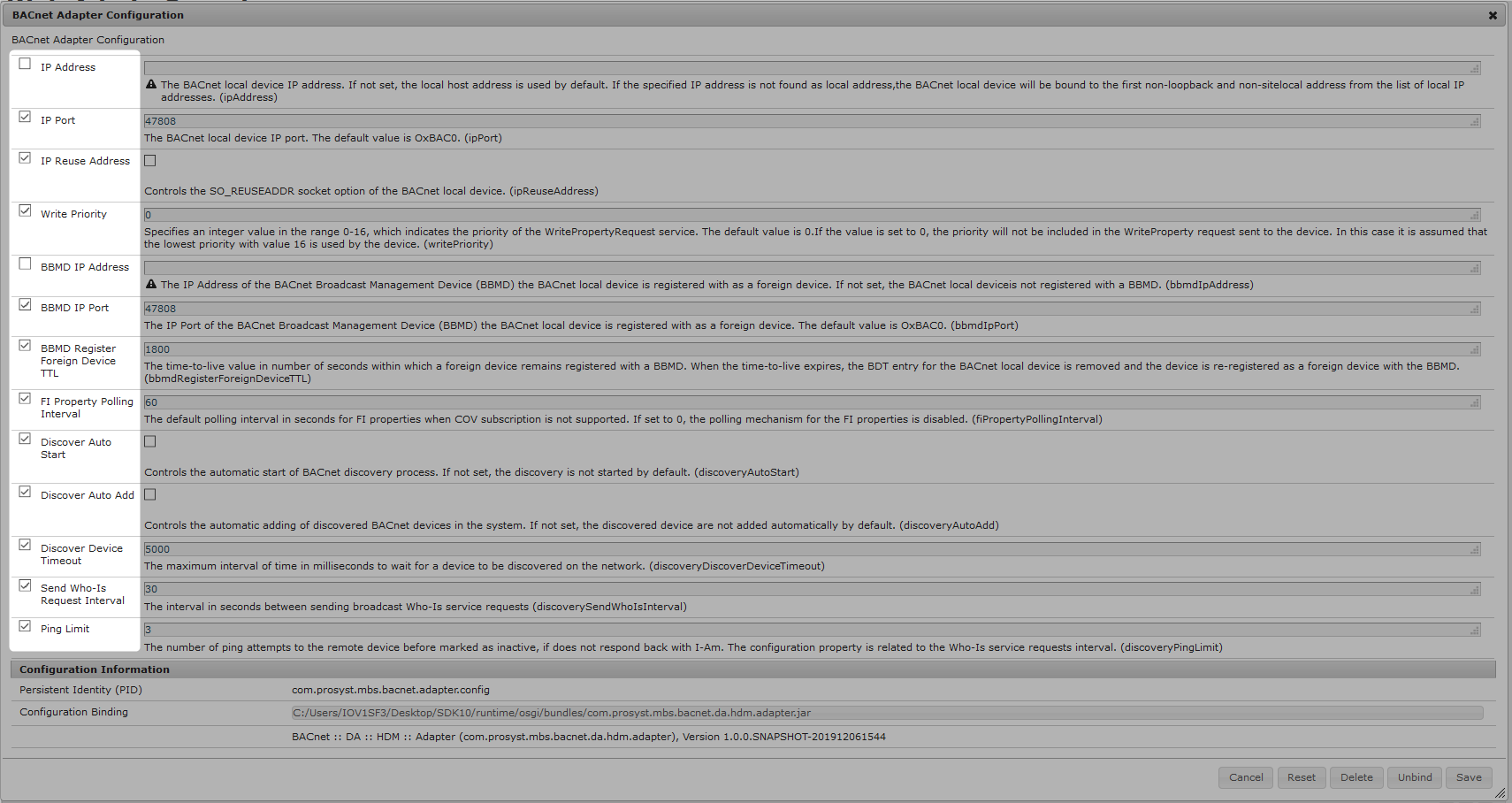
BACnet Adapter Configuration
PID: com.prosyst.mbs.bacnet.adapter.config
The first three properties from this configuration are meant for the initial configuration of the stack that starts the adapter. They are defining for the system so cannot be changed dynamically without re-starting.
Note: *BBMD (BACnet Broadcast Management Device). According the the BACnet specification, in order for a device to participate in the activities of the BACnet IP it has to be registered as a BBMD device. Learn more in Technology Overview.
The rest of the properties can be changed at any time. For example:
1. Fill the IP address of the desired device on the first row to ensure that the UDP packets are sent from the correct IP network where the BBMD device is also located.
2. Select the BBMD IP Address checkbox and fill in the IP address of the BBMD device.
3. Click on the Save button in the bottom right corner.
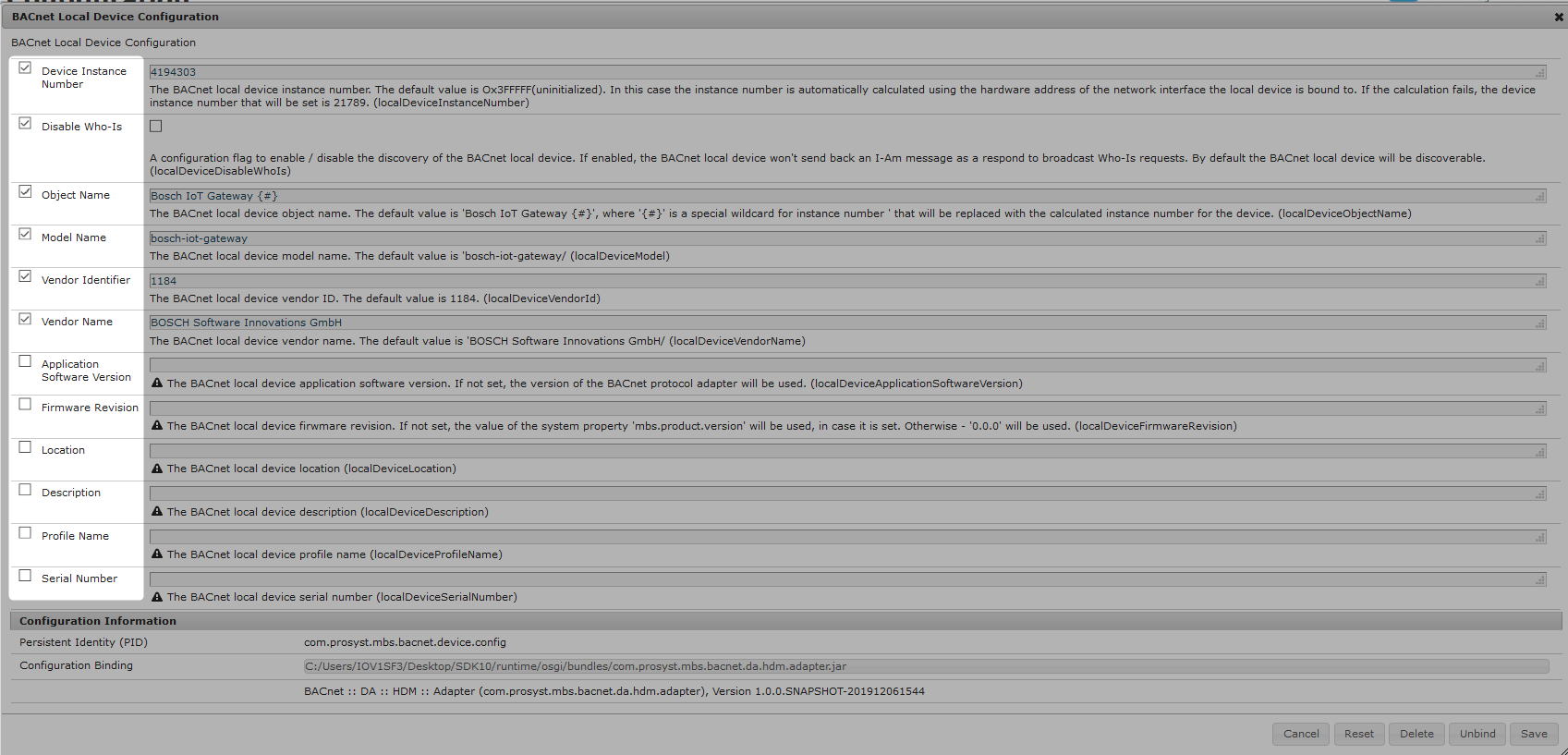
BACnet Local Device Configuration
PID: com.prosyst.mbs.bacnet.device.config
This configuration contains the properties that make the local device be visible as a BACnet device. These properties are BACnet specific.