The type of the content that could be entered to a subsystem is bundles and other subsystems.
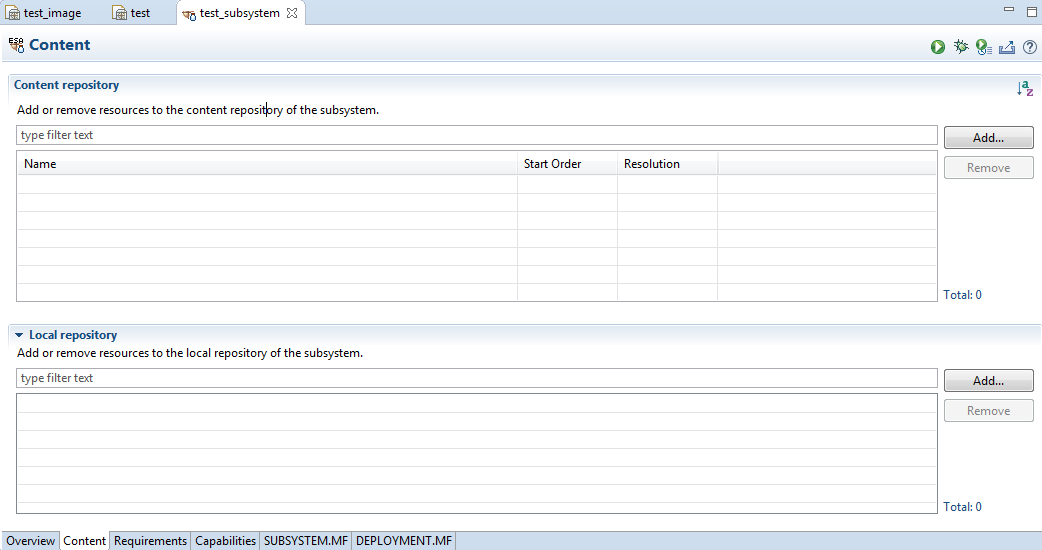
To enter content to the newly created subsystem, in the "Subsystem" editor select "Contents" (or go to the "Content" tab). The "Content" tab of the "Subsystem" editor opens.
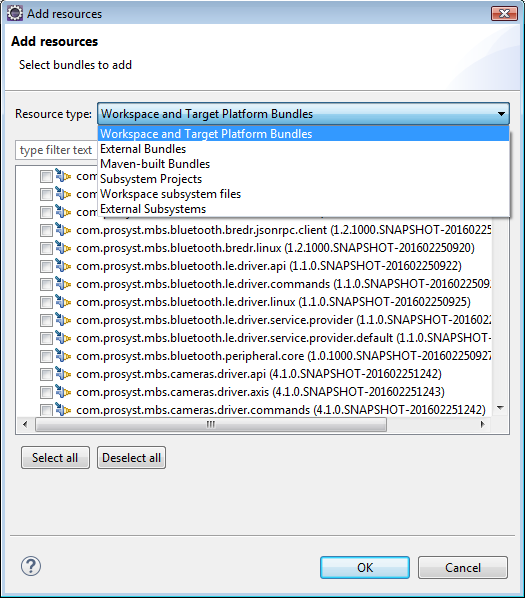
In the "Local repository" panel, press the "Add" button. In the "Add resources" pane, choose the resource type to be added either bundles or subsystems.
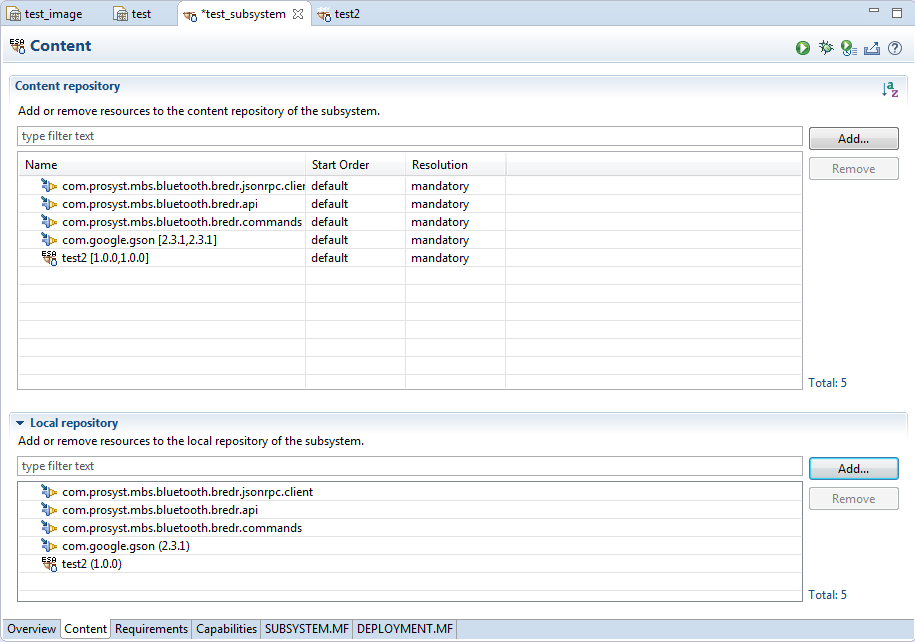
The content repository is populated with the resources added in the local repository. From this point you can: run, debug, profile or export the subsystem using the shortcuts buttons in the upper right part of the "Content" tab.
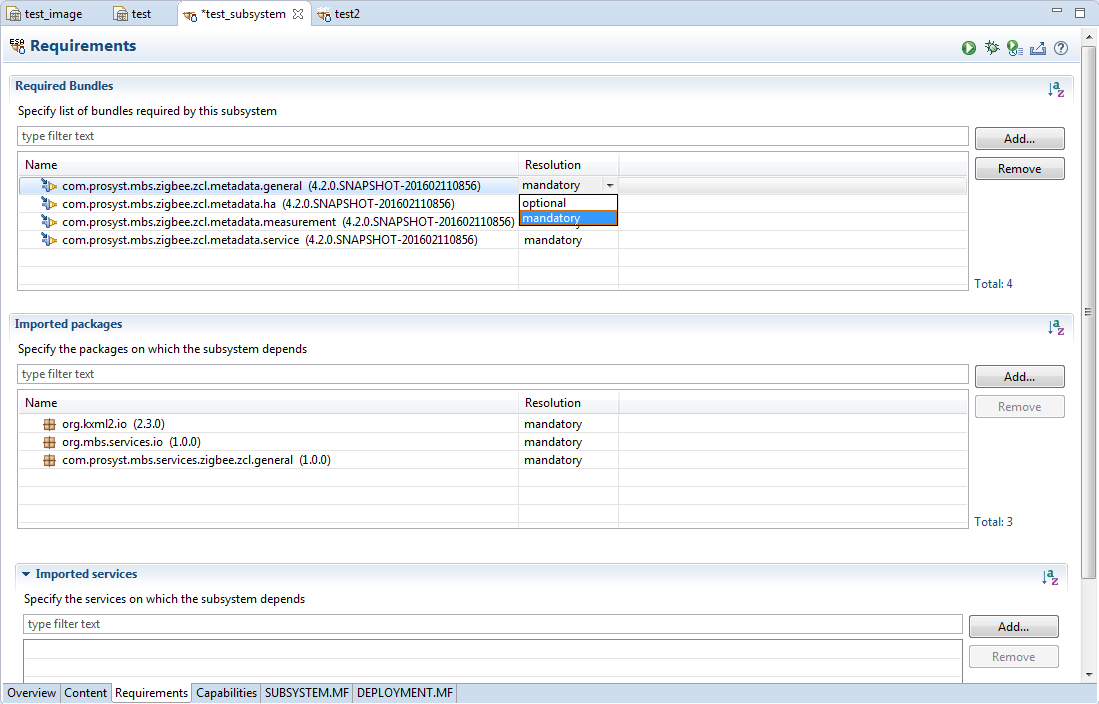
The Requirements tab specifies which bundles, packages and services are to be required by the subsystem. In order to add a requirement, go to the Add button corresponding to the resource type (bundles, packages or services). A wizard opens where all the resources of the specified type are listed. Select the resource and confirm with OK. In the "Resolution" column there are two options for each resource to choose from - mandatory or optional.
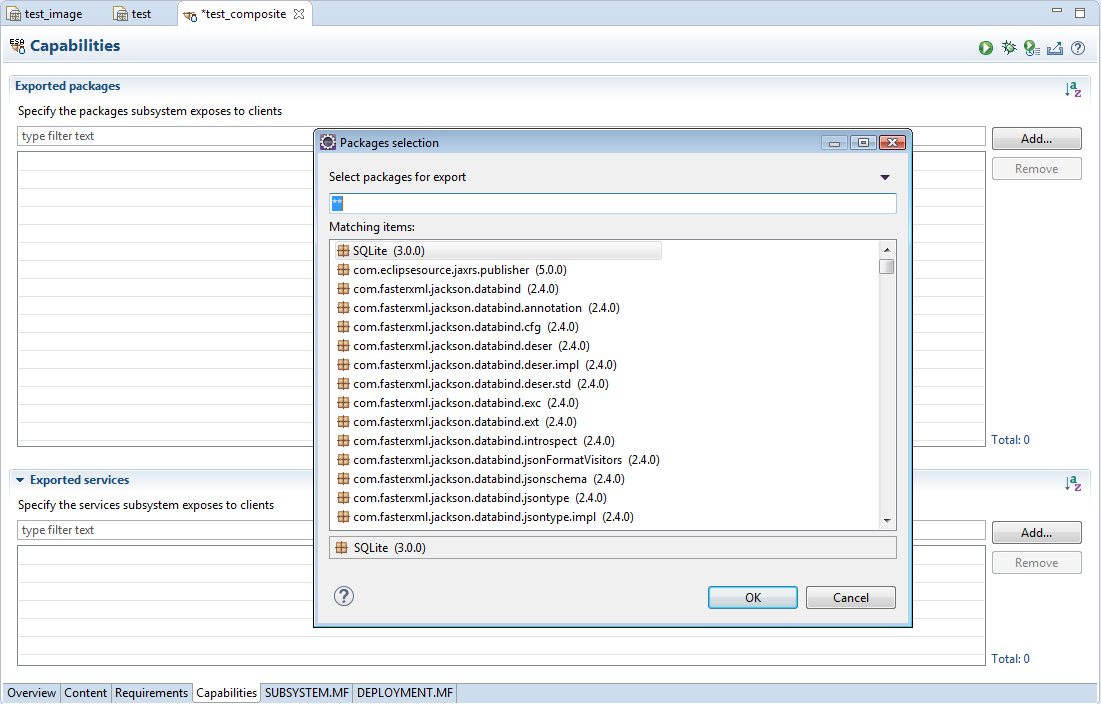
In the Capabilities tab are defined the packages and services that the subsystem exposes to clients (it is only relevant if the subsystem type is composite).