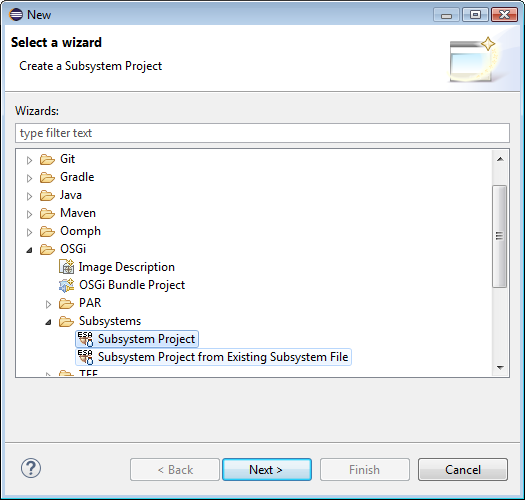
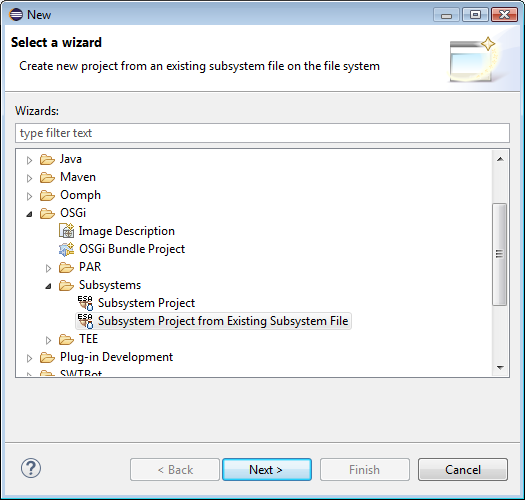
Go to File>New>Other>OSGi>Subsystems>Subsystem Project and select the Subsystem Project wizard.
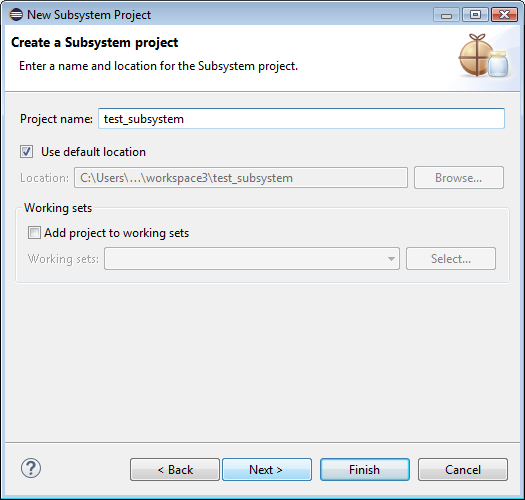
Enter a name for the new subsystem and press Next.
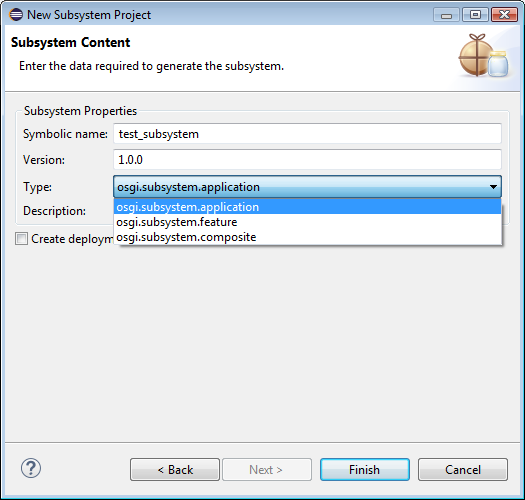
Select the desired subsystem type. Enter a description for the new subsystem. If needed to add a manifest to the subsystem project, check the Create Deployment Manifest box and click Finish.
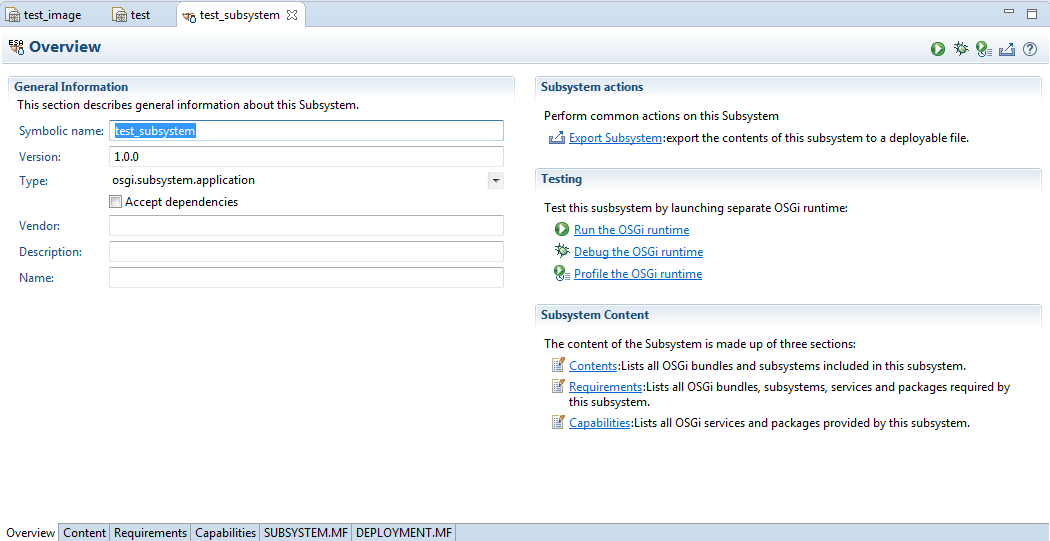
The newly crated subsystem is shown in the "Subsystem" editor. From this view you can export the subsystem to a .esa file. You can also test the subsystem in a separate OSGi runtime.
Alternatively a Subsystem Project can be created from an existing Subsystem file. To do so:
Go to File>New>Other>OSGi>Subsystems>Subsystem Project and select the Subsystem Project from Existing Subsystem File wizard.
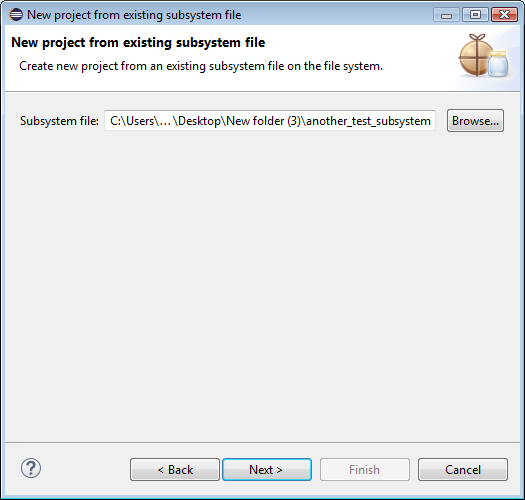
Enter the path to the desired .esa file.
Enter a name for the new subsystem and press Finish.