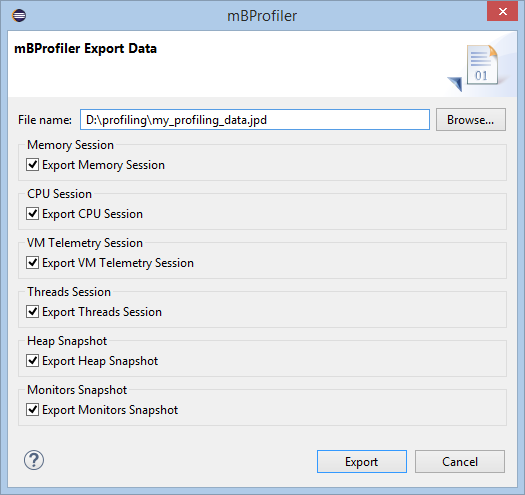
The binary output format allows you to later import the information into the frontend and have it shown in a best way. Binary profiling files have the .jpd extension.
To export the data collected by mBProfiler to a binary file:
Select Export Data from the mBProfiler menu, or use the File > Export menu and then choose the mBProfiler > Export Data wizard. An Export Data dialog appears.
In the Export Data dialog, use the filename filed to indicate the name and location of the JPD file in the local file system. Use the rest of the options to specify what kind of data to export. Respectively, if profiling data of some type has not been collected (CPU, heap, etc), the corresponding option will not be enabled.