|
|
|
|
|
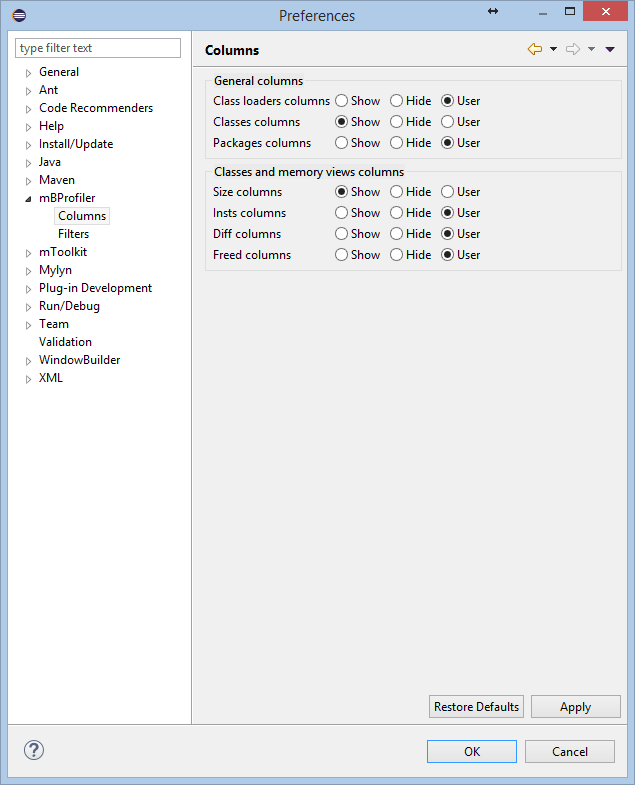
The Columns group of mBProfiler preferences allows you to control the appearance of the tables containing profiling data. You can show and hide each of the listed columns using the Show and Hide options. The User option means that the display of the corresponding column will be controlled through the Choose Columns popup menu command available for each table.