


|
|
|
|
|
mBProfiler introduces filters for excluding specific methods from the call trees. Such methods are always selected as hot spots and can potentially disturb the results – for example in CPU profiling when Use real CPU time is off. Usually, such common methods are the Object's wait methods, Thread.sleep(), etc.
Define a set of exclude filters in the Filters group of mBProfiler preferences.
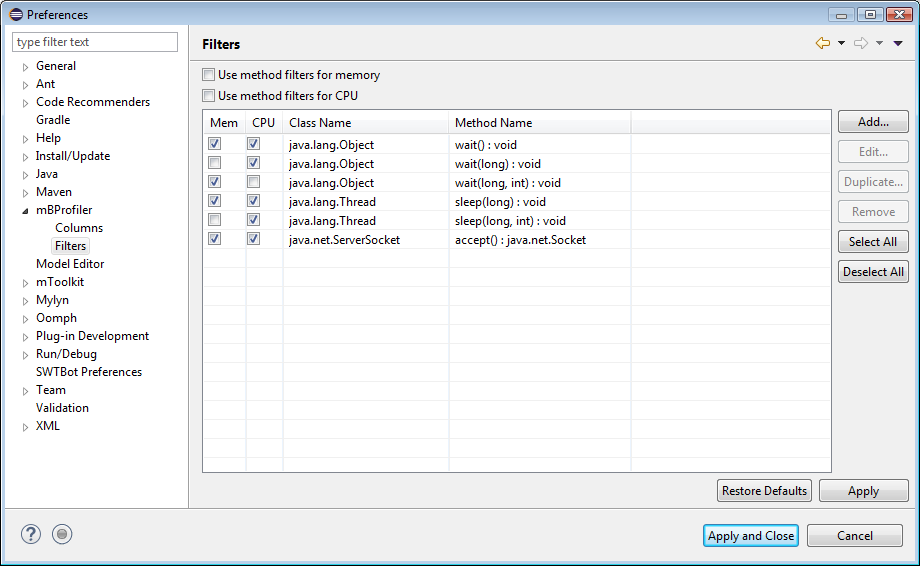
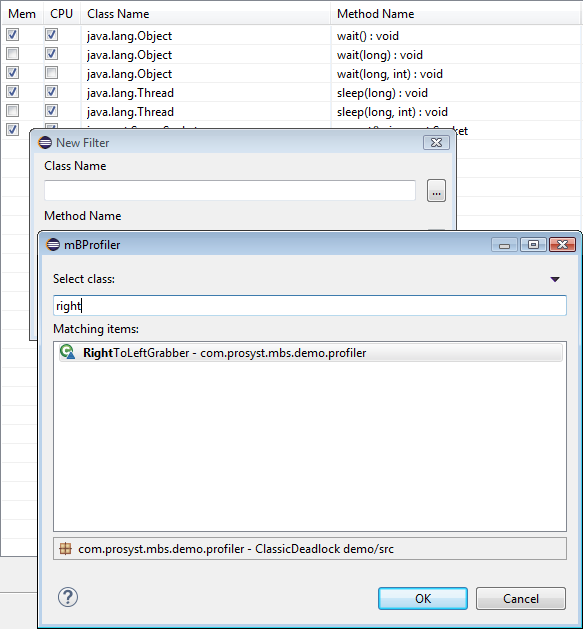
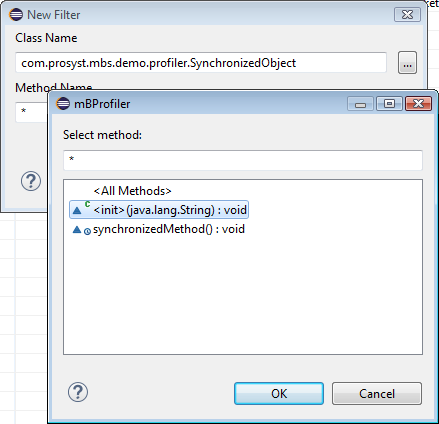
To create an exclude filter:
To have the filters applied to cumulated data, select the Use method filters for memory option to apply them to memory profiling and the Use method filters for CPU one – to CPU profiling.
To save the filters and exit the Preferences dialog, click OK. To apply the changes and continue using the dialog, use Apply.