|
|
|
|
|
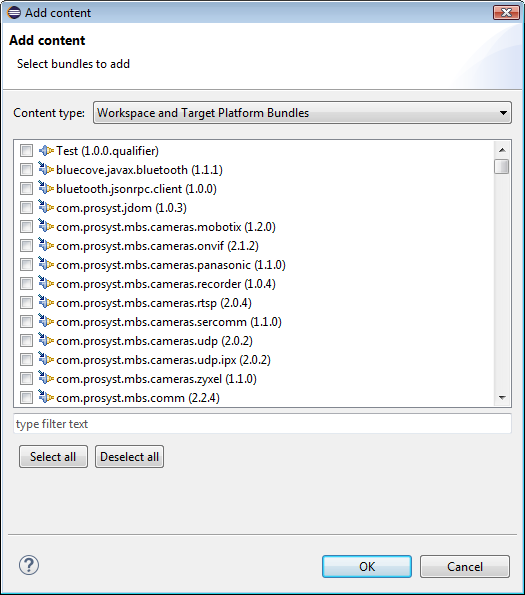
As mentioned in PAR Editor, to be able to add a bundle from the active workspace to your PAR file, it must be distributed as a plugin project that is being developed or as an archive in the target platform.
As a result, a list will appear showing the bundles available as projects in the workspace (Maven including) and in the target platform definition that are not already added to the image.