As Maven Projects
To add bundles which are modeled as Maven projects either from the Eclipse workspace or from a location outside the development environment:
- Click the Add button from the Contents tab of the PAR Editor.
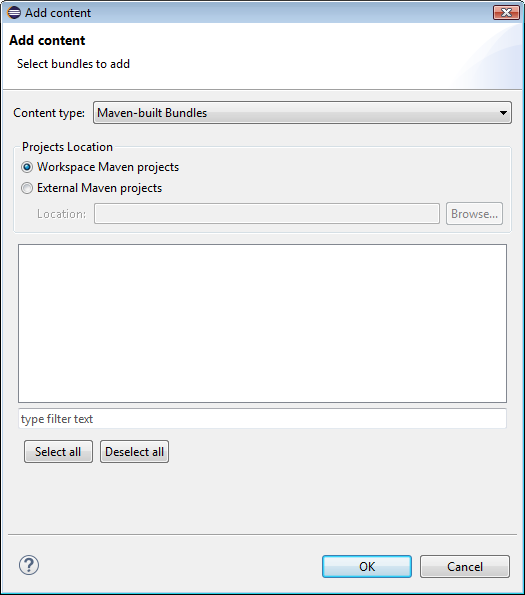
- In the Add content dialog, select Maven-built Bundles for Content type.
- Then, depending on the location of the Maven projects:
- Select Workspace Maven projects and check the projects to add available from the active workspace.
- Select External Maven projects, and browse to directory which contains your Maven projects. Then check the projects of interest.
- Click OK to confirm.


