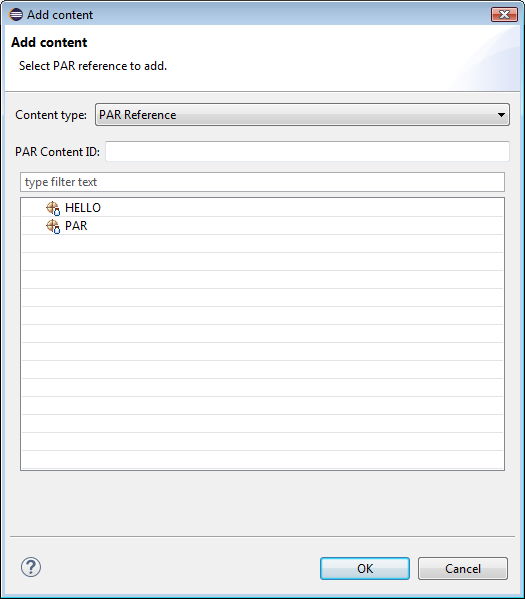
To add the content of another PAR file by specifying its content ID:
Click the Add button from the Contents tab of the PAR Editor.
In the Add content dialog, select Maven-built Bundles for Content type.
Select a PAR Project from the workspace, or in case the PAR is not available as a project type directly the content ID as saved in the backend Software Repository.