


|
|
|
|
|
In case registration is not valid or you are using an evaluation copy, mBProfiler will not be fully functional and will show you a number of warnings as described in the next paragraphs.
You should contact the support team to solve the problem.
No Registration
If mBProfiler is not registered, the following message will appear in Eclipse upon trying to profile an application:
In order to obtain a key you need to copy the information "Copy to Clipboard" and mail it to support@bosch.io. Then you will receive a key and instructions of how to register the mBProfiler.
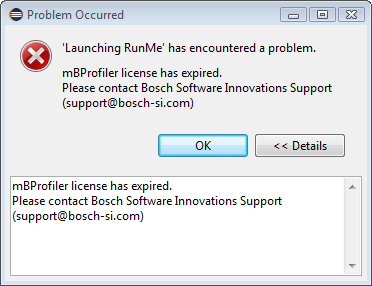
Expired License
If the license of mBProfiler has expired, the following error message will appear upon trying to launch profiling:
"Launching mBProfiler has encountered a problem Bosch.IO mBProfiler license has expired. Please contact Support (support@bosch.io)"