


|
|
|
|
|
The ONVIF module supports firmware upgrade over ONVIF and RCP+ protocols. The ONVIF API refers to the firmware upgrades as firmware updates. The firmware update feature provides:
The firmware update feature allows you to perform a single instead of multiple downloads on the gateway when updating multiple cameras.
There are two functional items created by each of the bundles for the different protocols, but the user interface is unified for both types of devices.
How to Update the Firmware
After successfully connecting an ONVIF device/RCP+ camera, a new functional item FirmwareUpdate will be registered. Refer to Camera Discovery and Registration.
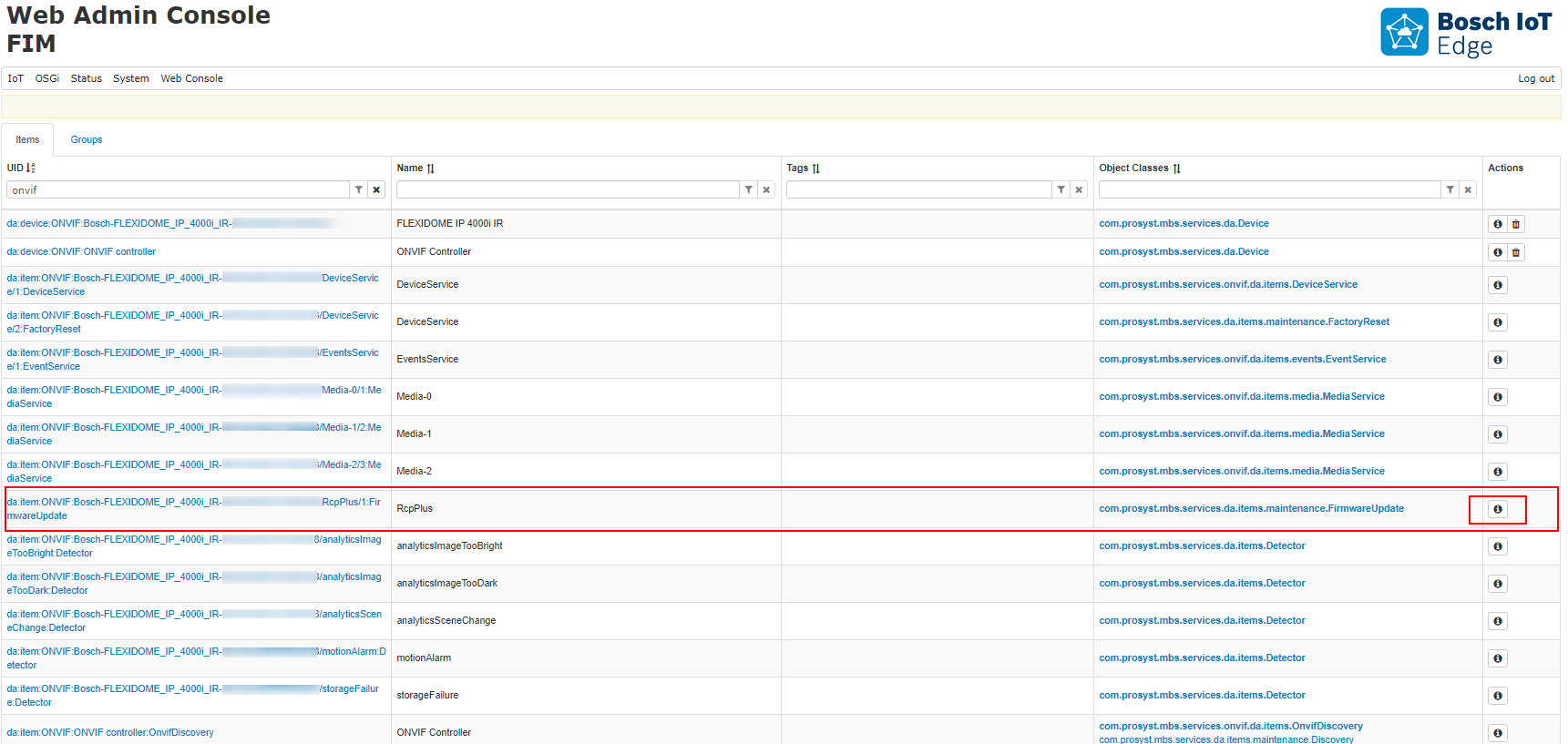
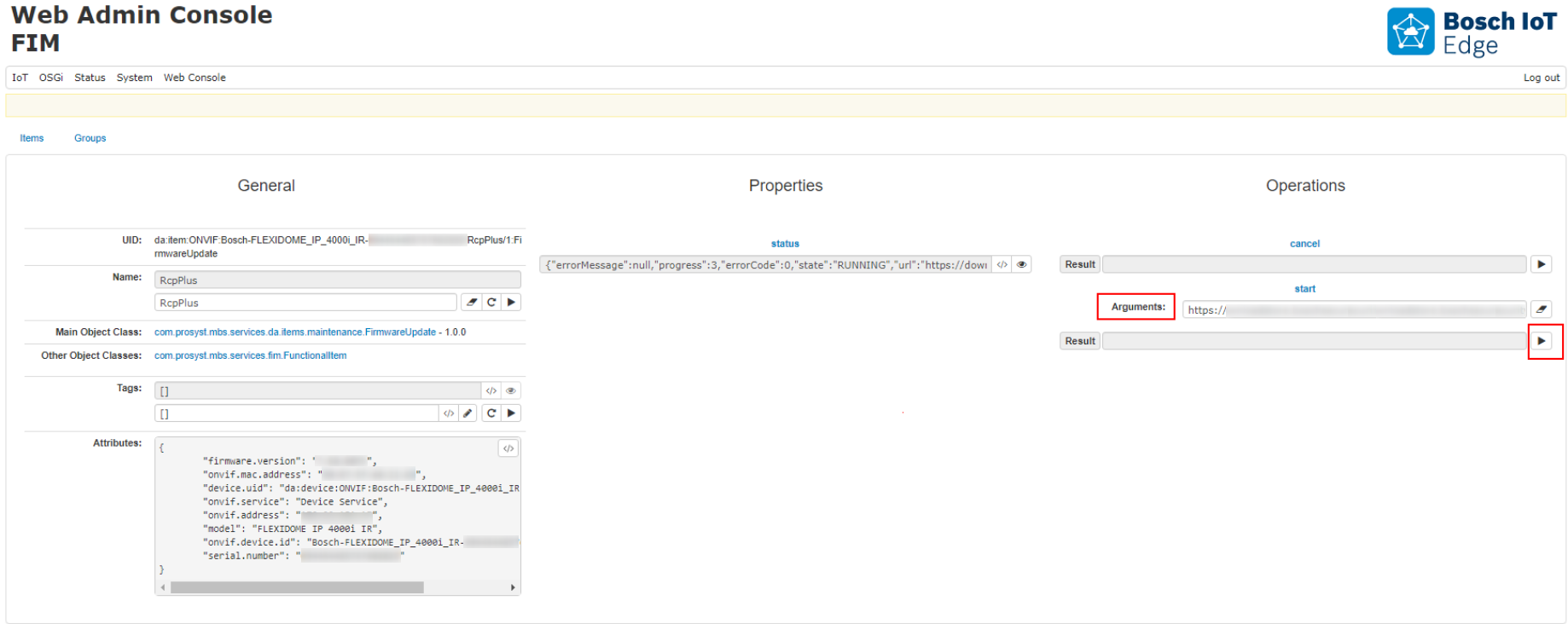
To configure the Firmware Update, click the Info button. On the resulting page, you will have options to start, cancel and view the status of the firmware update.
Starting the Firmware Update
Use File URI format – the local file link must start with file:/// prefix.
Click the Invoke button  :
:
Status Updates
Once you start the firmware update, the status property will be updated according the progress from Pending at start, to:
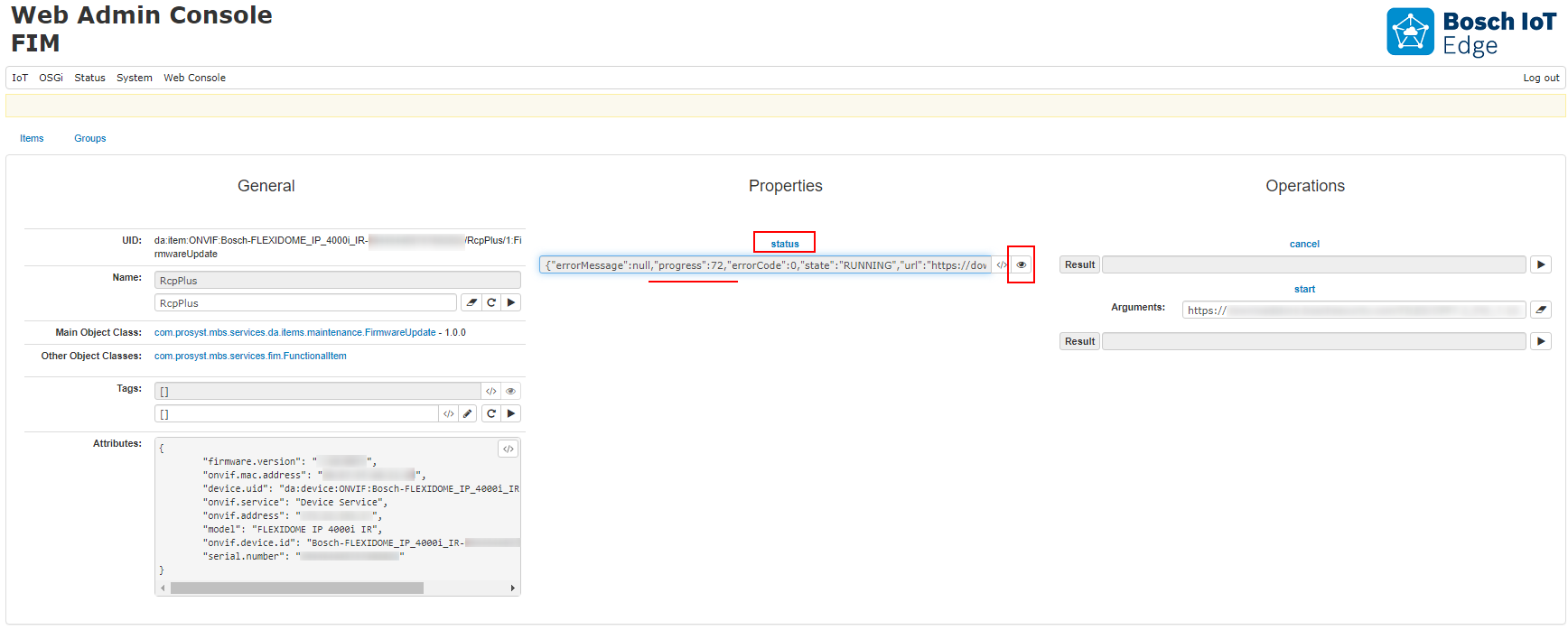
When progress reaches 100%, status will change from RUNNING to SUCCEEDED:
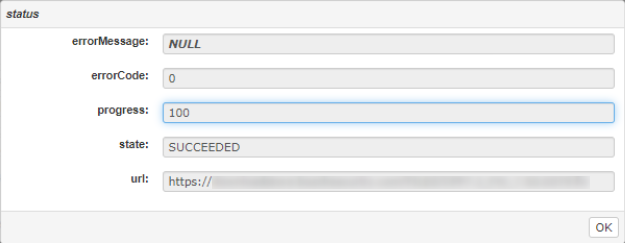
Shortly after that, the device will reboot and will be reinitialized with the new firmware.
Executing Cancel operation after 50% of the progress is risky. This could cause camera reboot or connection loss.