|
|
|
|
|
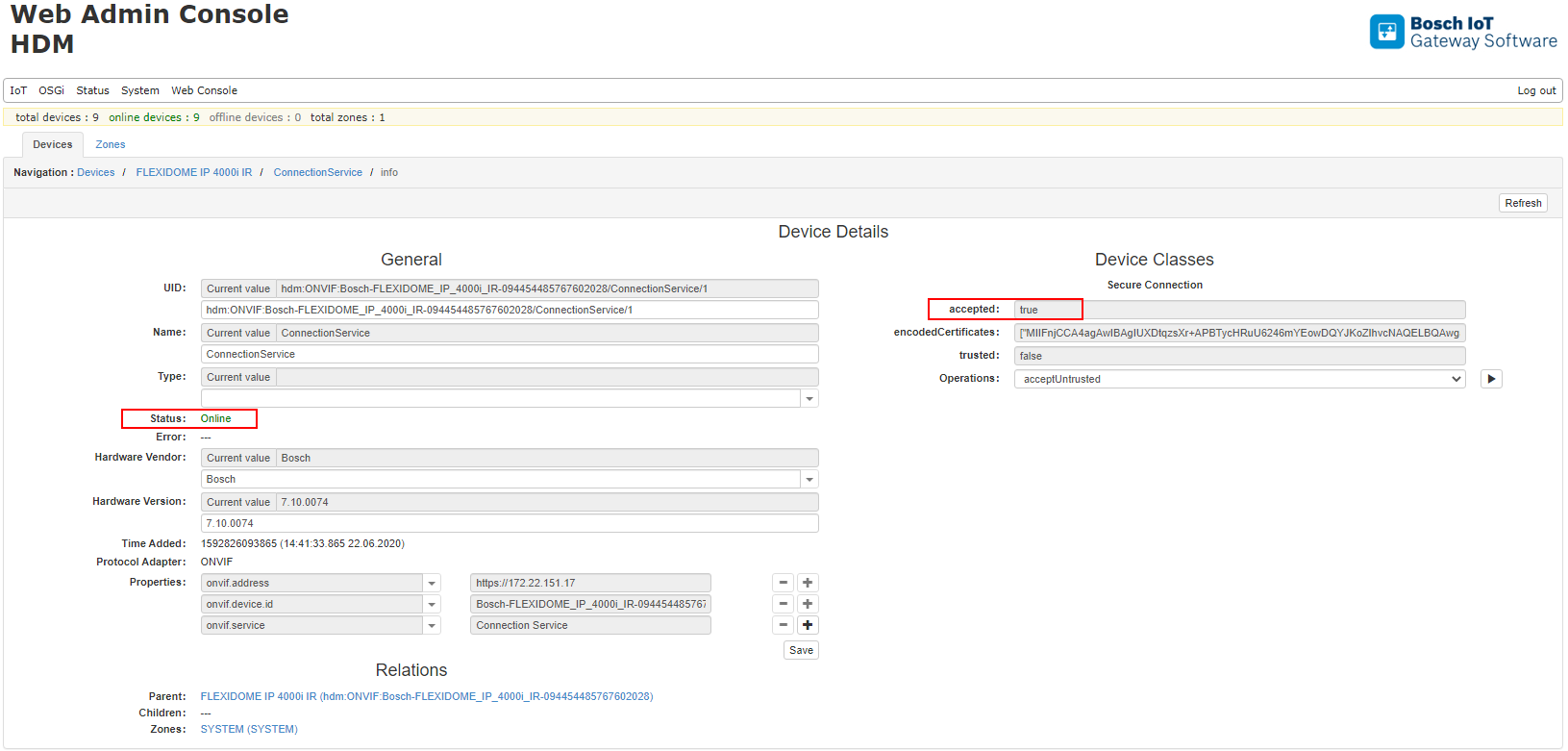
The discovered devices via ONVIF Discovery could be used to obtain the network address and register the corresponding device with the operation register.
The address field is used to provide a URL to which the login will be processed. A port could be used and it is optional for all of the variants:
Address |
Description |
|---|---|
<IP> |
Using host |
http://<IP> |
Using http protocol |
https://<IP> |
Using https secure protocol |
https://<IP>:<PORT> |
Using optional port |
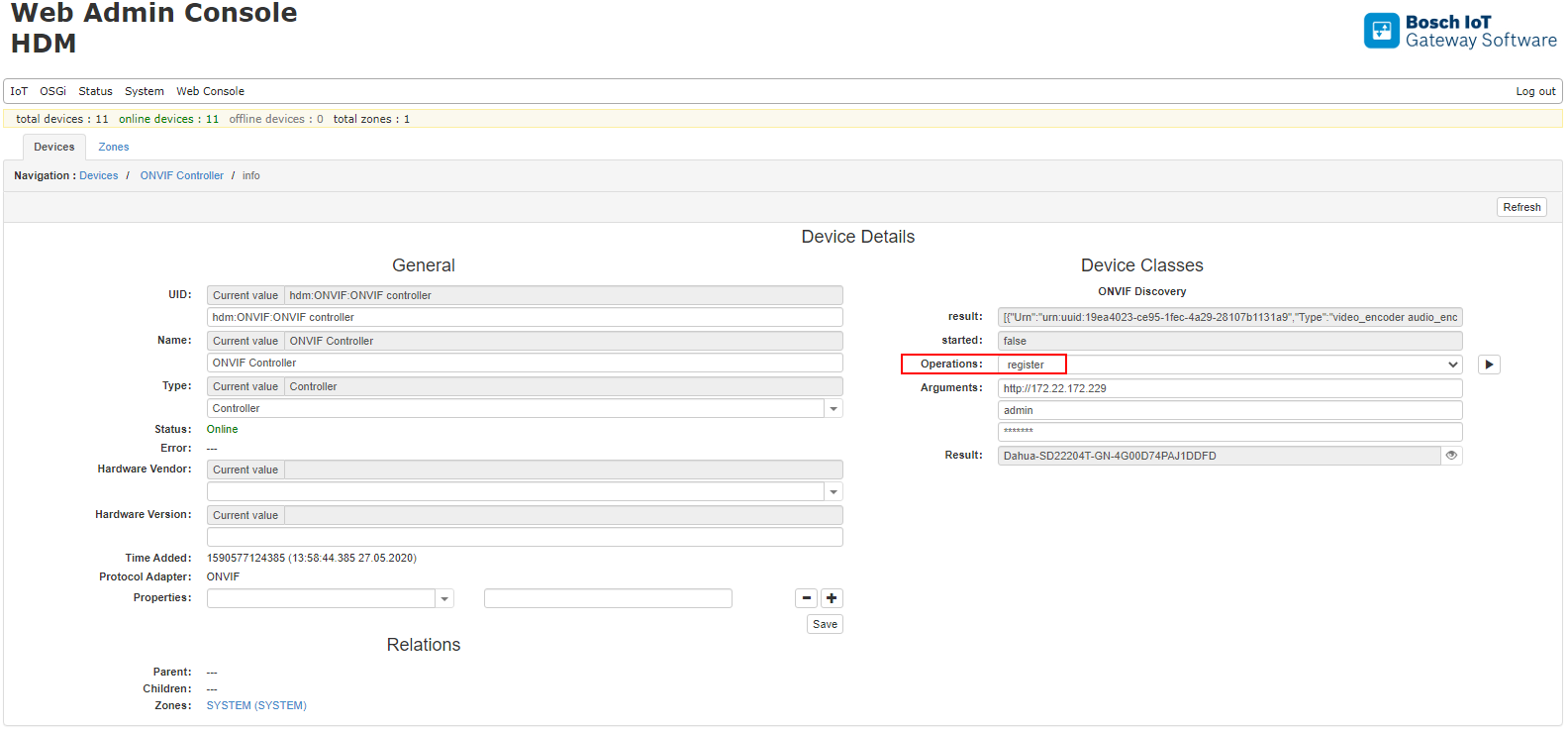
After a successful login to the ONVIF device, the corresponding ID is displayed and assigned to the device.
Using HTTPS
Registering an ONVIF device with a secure connection requires pre-defined settings in the framework. Please refer to the Setup Guide for more details.
If the Certificate is not provided, the device can still be used, but the operation acceptUntrusted must be executed. This will allow the ONVIF device to operate with the ONVIF module as a untrusted device. Operation rejectUntrusted could be used for not accepting the connection to the ONVIF device. The device will remain offline.
Refer to the Validation of Camera Certificate for more details and instructions on how to use HTTPS.
The screenshots below present accepting untrusted device:
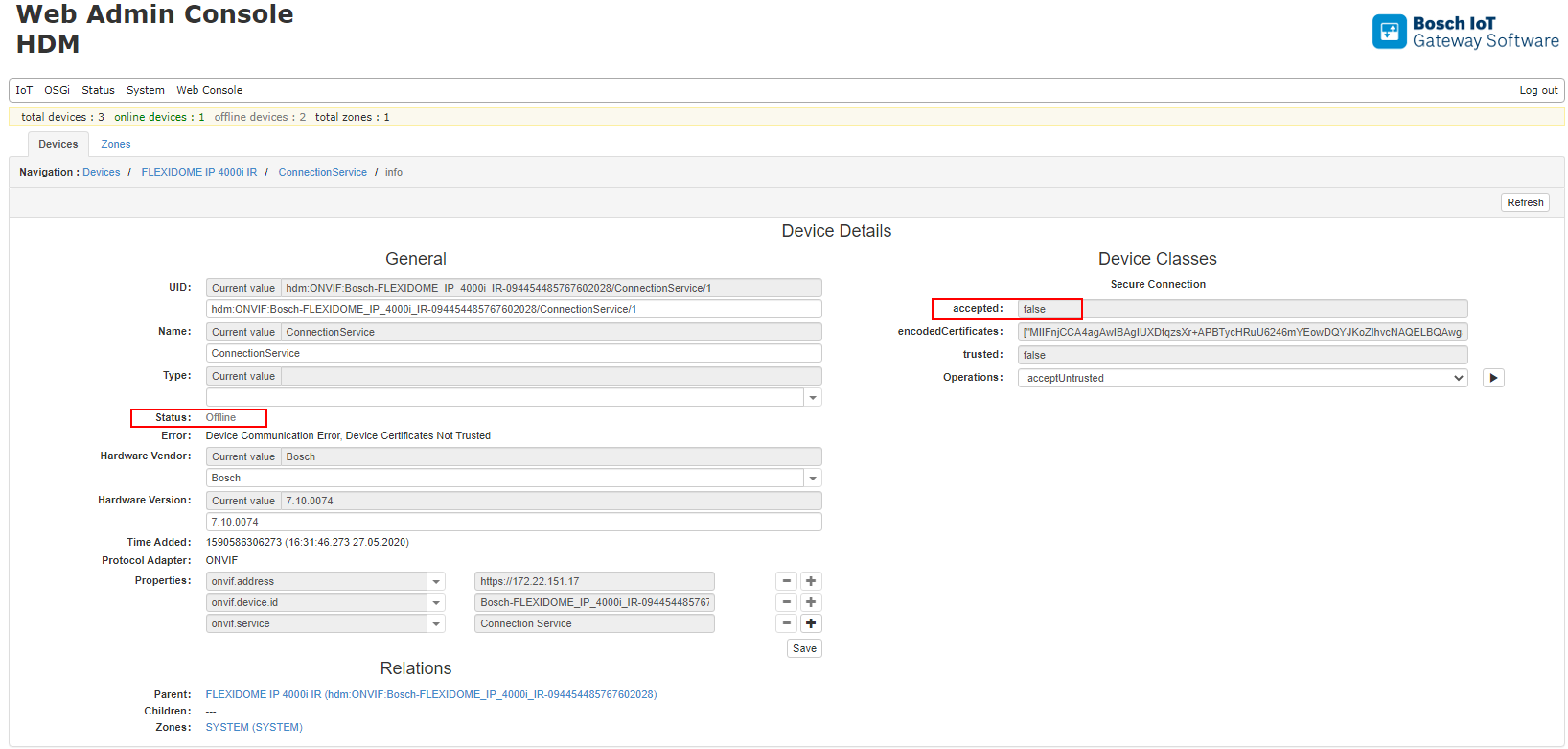
After accepting untrusted device, the device will become online: