


|
|
|
|
|
Device management represents a set of Device Service functions for maintenance and management of ONVIF devices via:
An ONVIF device may become inaccessible after performing device management operations.
Hard Reset
This operation allows you to reset the ONVIF device configurations and settings.
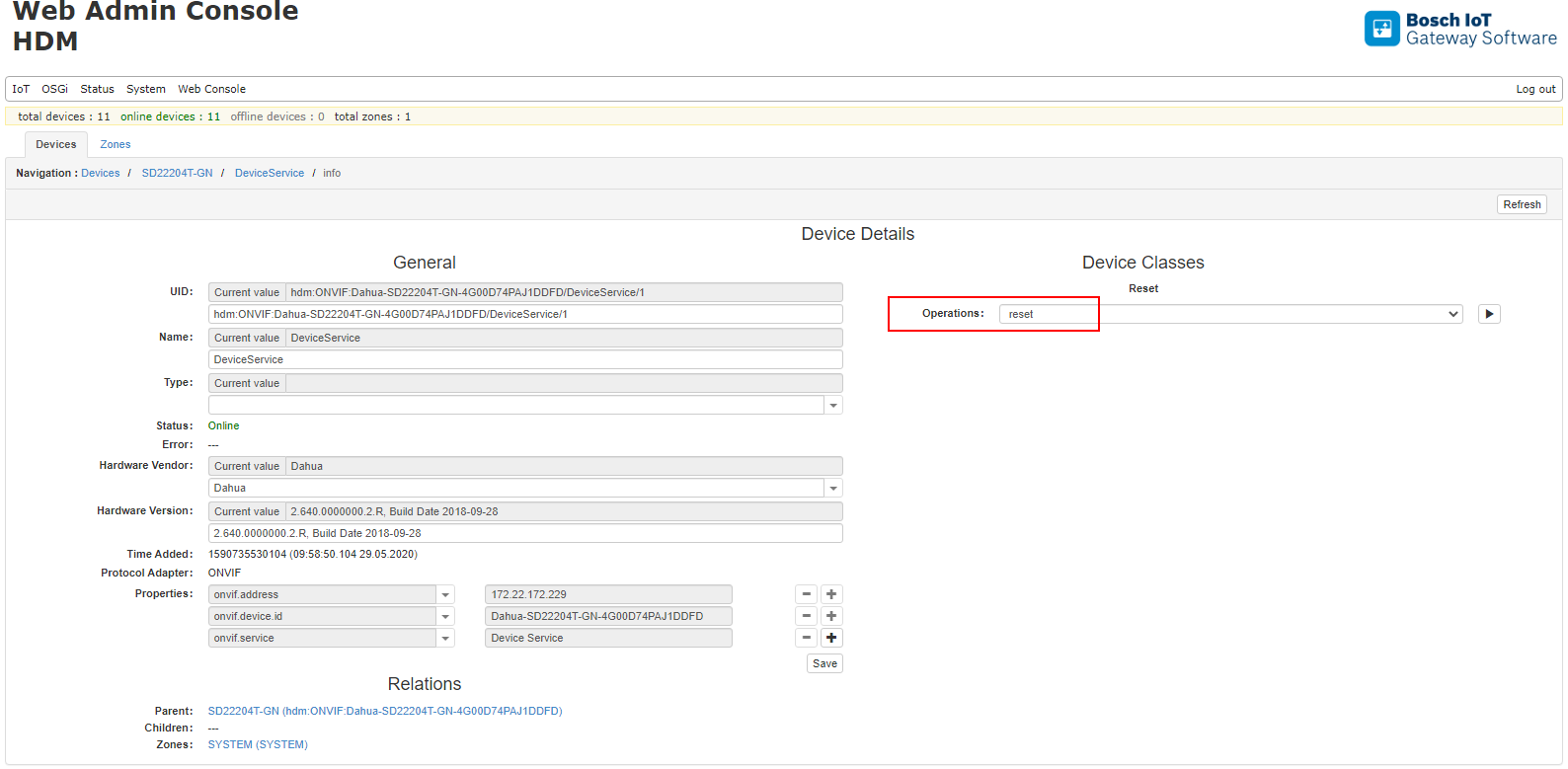
ONVIF Firmware Upgrade
Updating the firmware is in two stages:
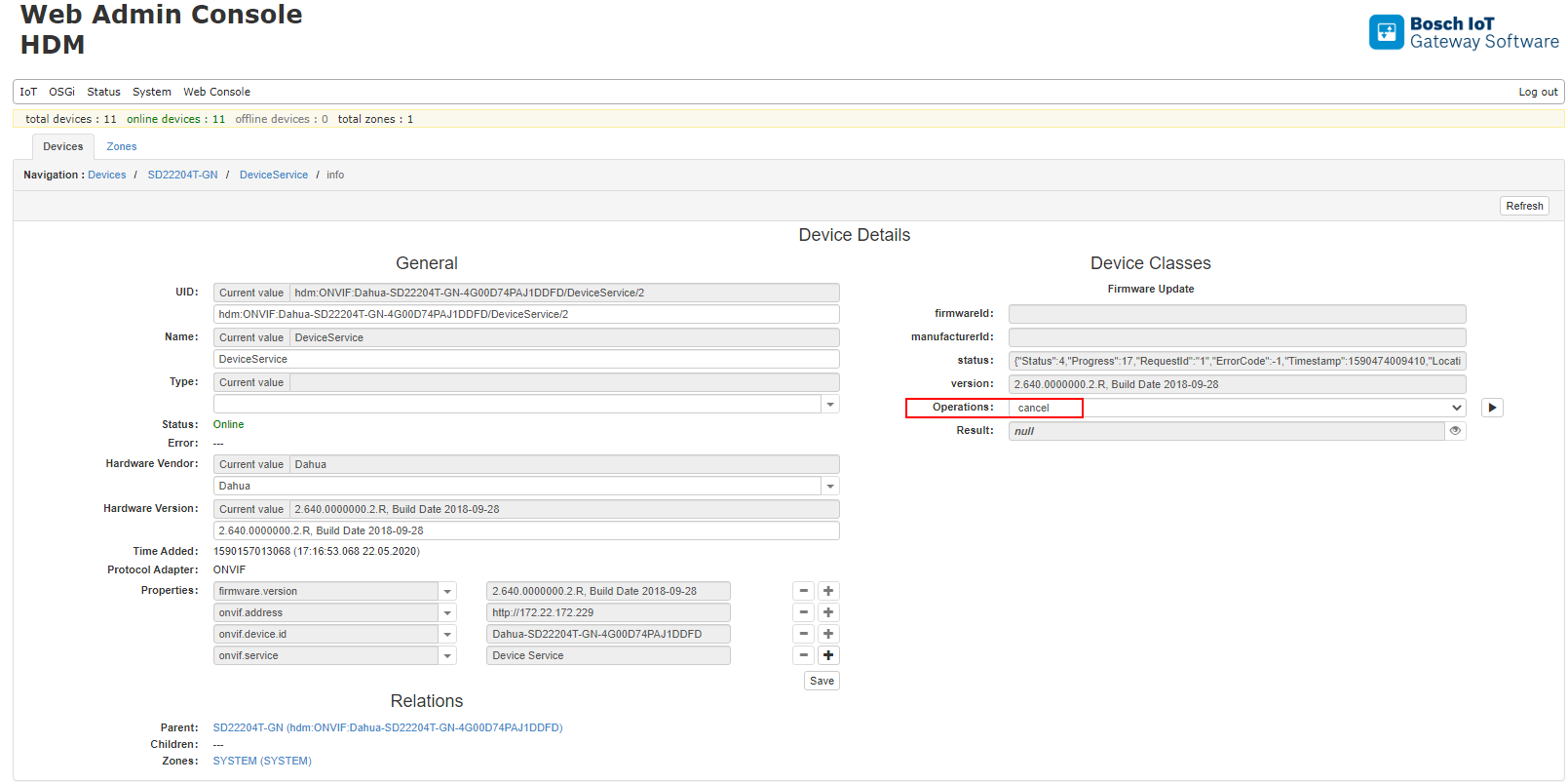
After the firmware update is successful, the ONVIF device will reboot and the home device will re-initialize. The status will change to offline and then back online. The firmware update process could be canceled using the operation cancel. Performing the operation cancel before the progress reaches 50% is safe and will not cancel file downloading if there is another ONVIF device updating the firmware with the same version. Avoid executing the operation cancel after progress reaches 50%.
Canceling the firmware update process after 50% could make the ONVIF device inaccessible.
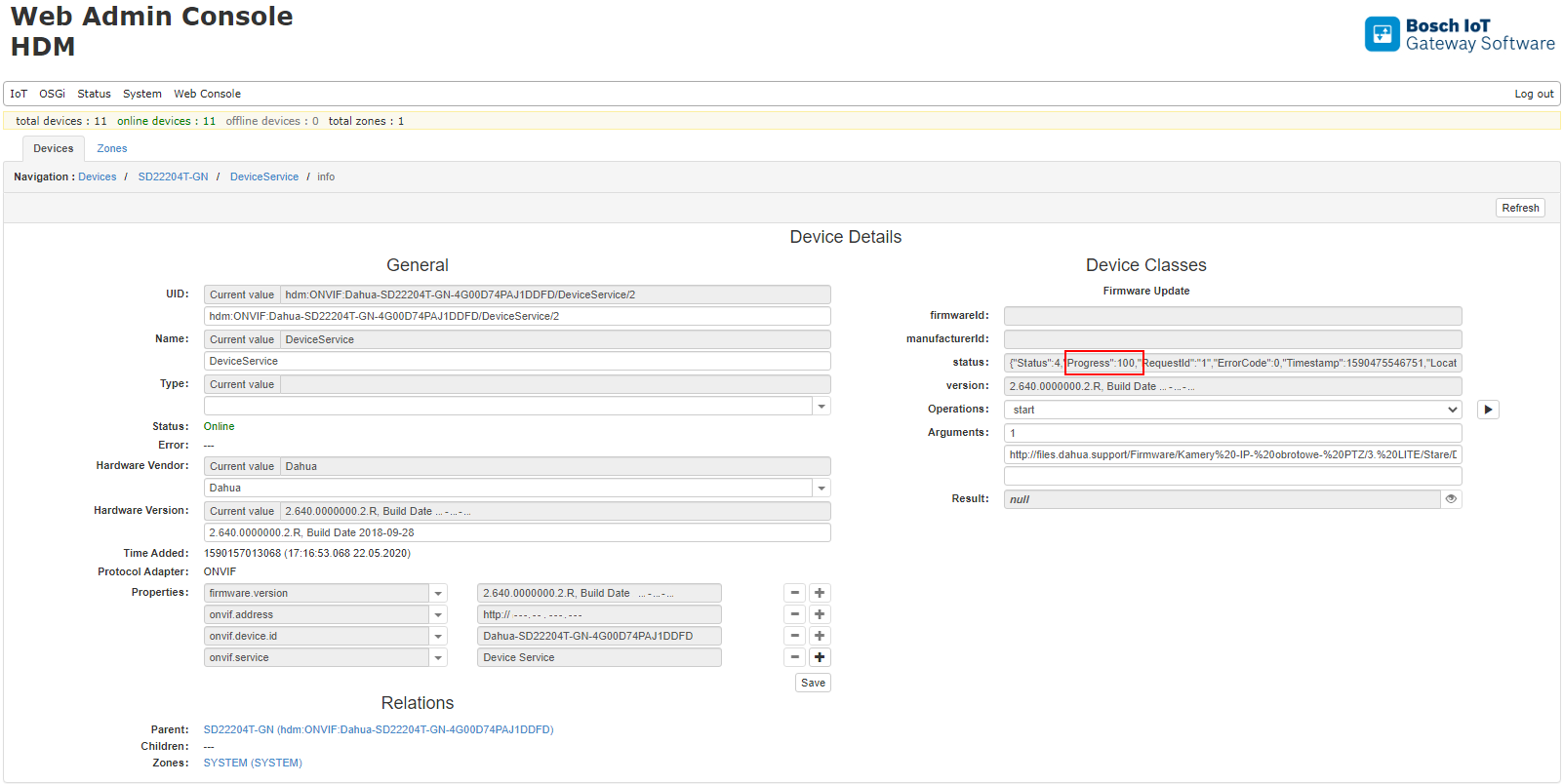
The successful result of the firmware update is presented with status of "Progress": 100 in the following way:
RCP+ Firmware Update
Updating the Bosch security cameras is possible via the RCP+ protocol. The process is identical to the ONVIF Firmware Update, except the destination URL needed for RCP+ to manually set the path to which the firmware file will be uploaded. The file uploading path is configurable via system property. Please refer to the ONVIF System Properties for more information.
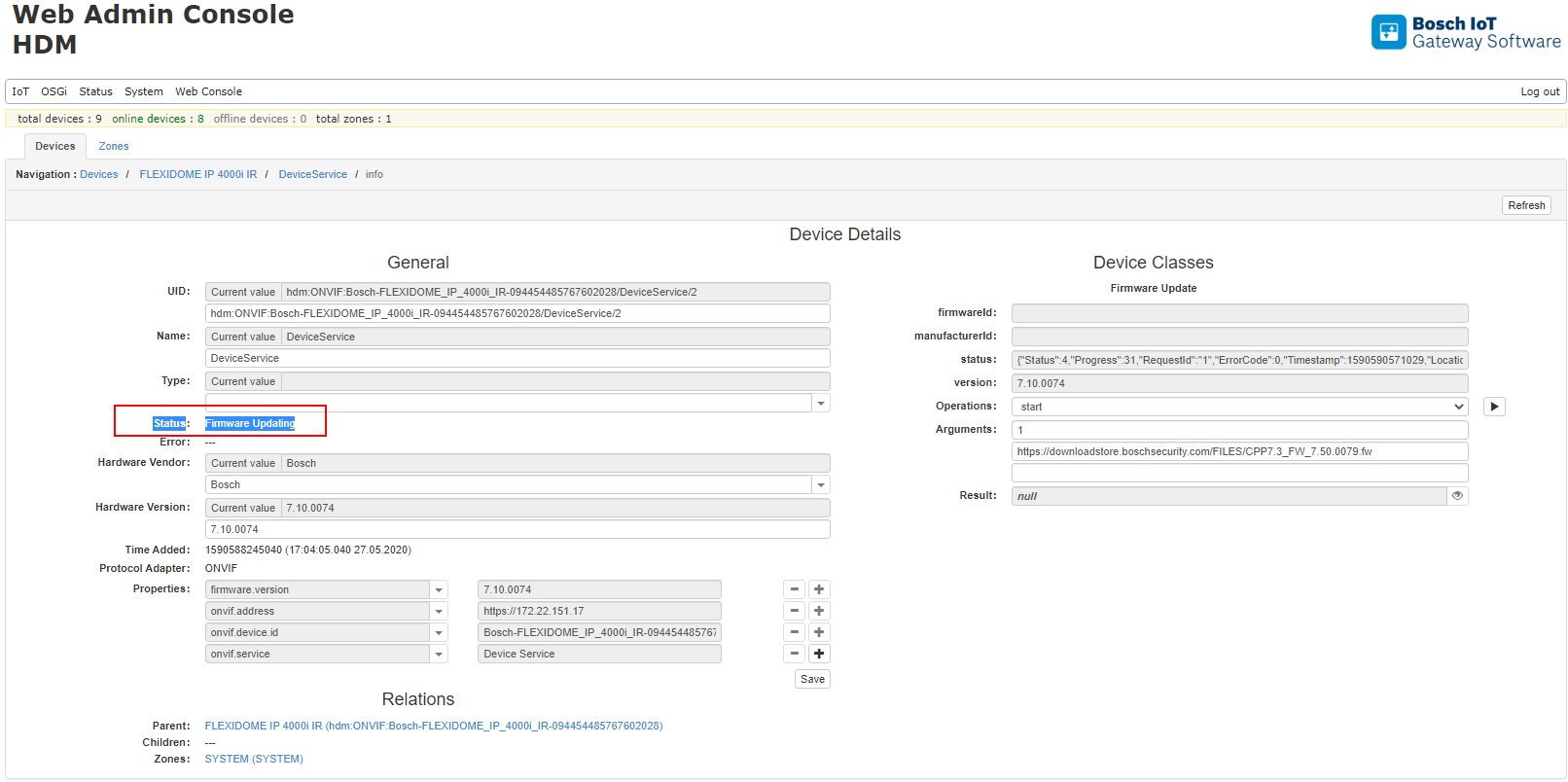
Online/Offline status
ONVIF HDM module supports the online/offline state of the home devices. The mechanism is based on the WS-Base Notification. When ONVIF device stops responding to the subscribe/renew subscriptions, the home device becomes offline – 'Device is not accessible'. The home device will automatically change the state to online when the ONVIF device starts to respond to subscribe requests.