


|
|
|
|
|
Since version 1.3.0 the Azure adapter can be used as device proxy. This functionality allows you to control the downstream devices with a single Azure device twin in the cloud. This might reduce operational costs. The device proxy currently covers setting device property value.
Setup
To enable this functionality you need Azure IoT device. This can be either regular IoT device, or IoT Edge device. Provided such device is created, you have to set its connection string in the Azure Message Adapter. For more information refer to Configuring Azure IoT Adapter Working Modes.
Usage
There are two options for using the Azure adapter as device proxy – via direct method or cloud-to-device message.
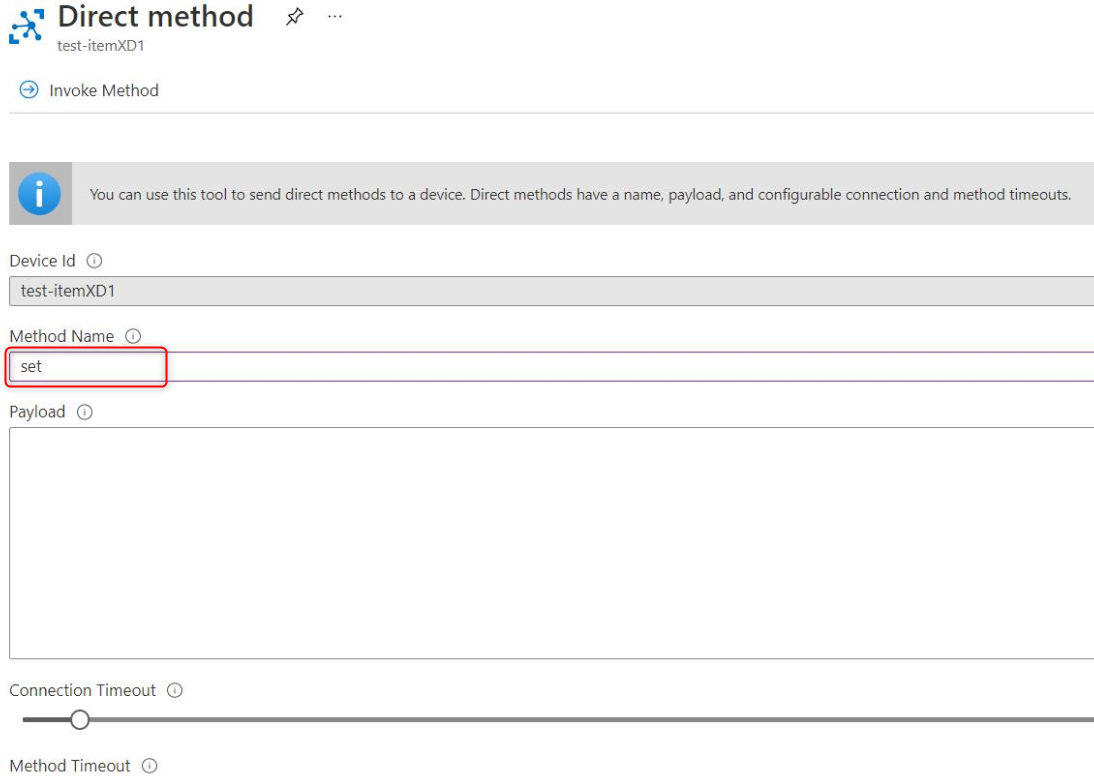
The expected payload format is:
Expected direct method payload
{
"id": <id_of_the_target_device>,
<property_name>: <new_property_value>
}
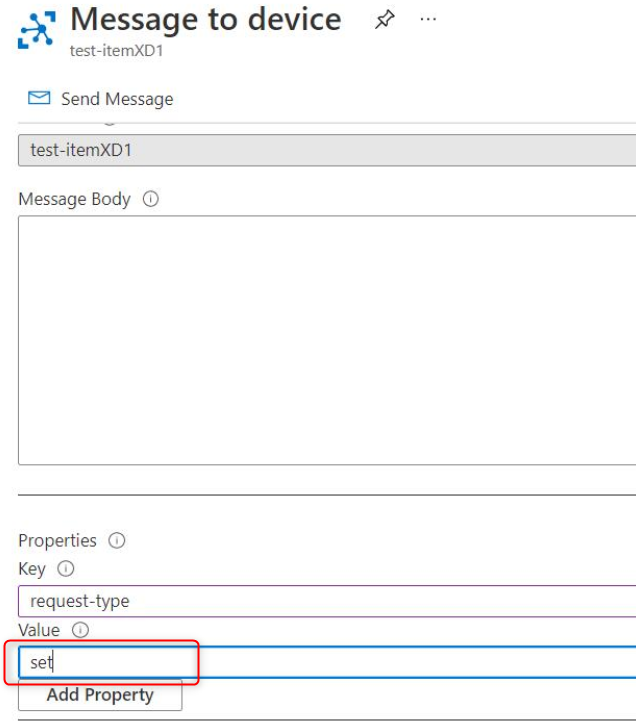
The message body has the same format as the payload of the direct method:
Expected message body format
{
"id": <id_of_the_target_device>,
<property_name>: <new_property_value>
}
The following example illustrates the payload format. To set the target temperature of an air-conditioner with an ID air-conditioner to 22°C, the property you have to set is targetTemperature. You can either invoke the corresponding direct method, or send cloud-to-device message with the following payload:
Sample payload
{
"id": "air-conditioner",
"targetTemperature": "22"
}
Customization
The payload parsing can be further customized by registering an OSGI service of the following type:
Registering such service allows you to provide your own data format, e.g. "identification=mydDevice; requiredValue=myValue", which you find easier to control. Then whenever a request for setting property is received, it will be your registered service to process and parse the data and as a result, to provide device id, property and value. The Azure adapter will then use these id, property and value to find the corresponding functional item of the device, and to set the value to that property.