


|
|
|
|
|
The guide below focuses on presenting the OSGi bundles as features of Edge Services bundles thing. A filter configuration property is provided to allow registration as functional items and then as features only for those bundles, which match the LDAP filter value.
When the OSGi Things Agent is started no bundle functional items are registered by default. Respectively, no bundle features are presented for the bundles thing in Bosch IoT Thing service, by default. Both the BundleFactory functional item and feature provide the configuration property filter. The values of the filter are interpreted as follows:
Cloud connection
To include OSGi bundles as features in bundles thing, set the LDAP filter value of the property filter to be different from null or empty. Go to Command and Control guide to learn how to set the functional item property.
The following example demonstrates how to include all installed OSGi bundles in the Edge Services runtime as features of the <namespace>:<gatewayId>:edge:services:bundles thing. By default no bundle functional items are represented as features.
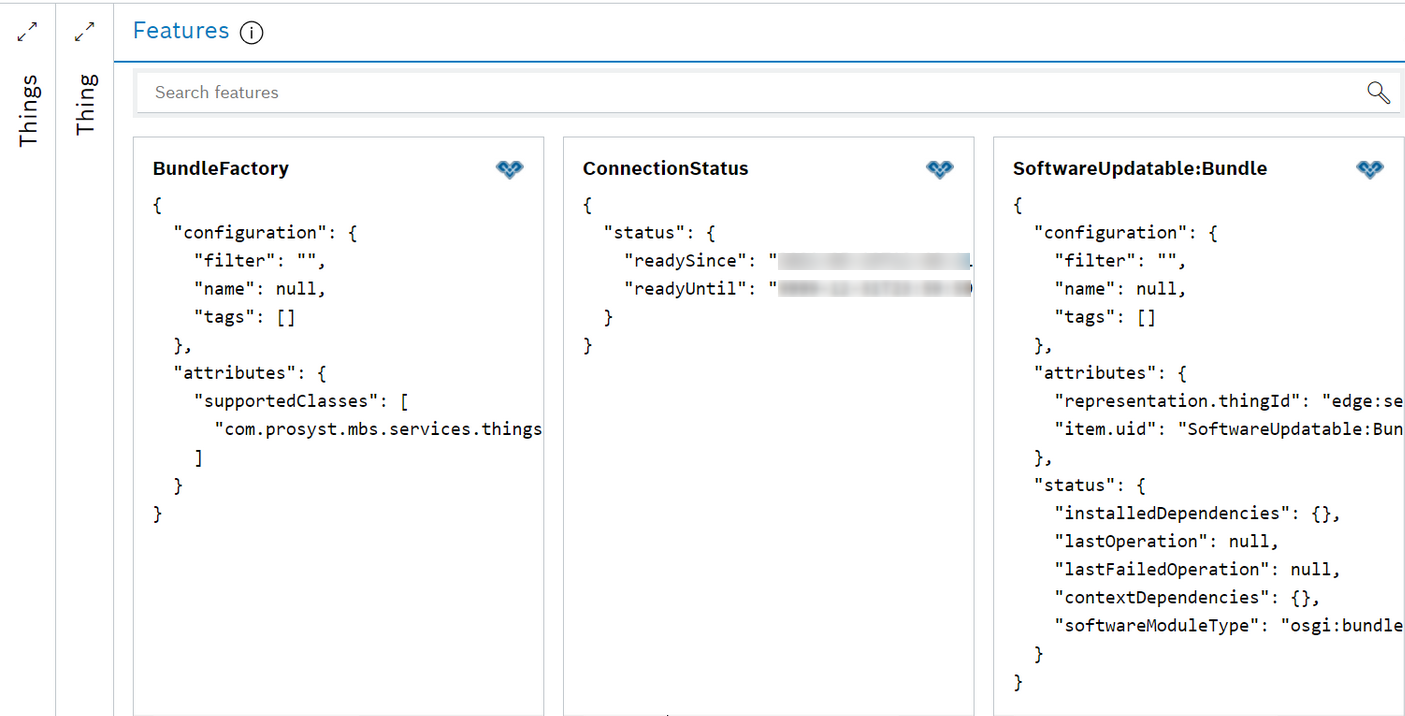
Set the BundleFactory property filter to *.
POST /things/<namespace>:<gatewayId>:edge:services:bundles/features/BundleFactory/inbox/messages/$set.configuration/filter
with payload:
"*"
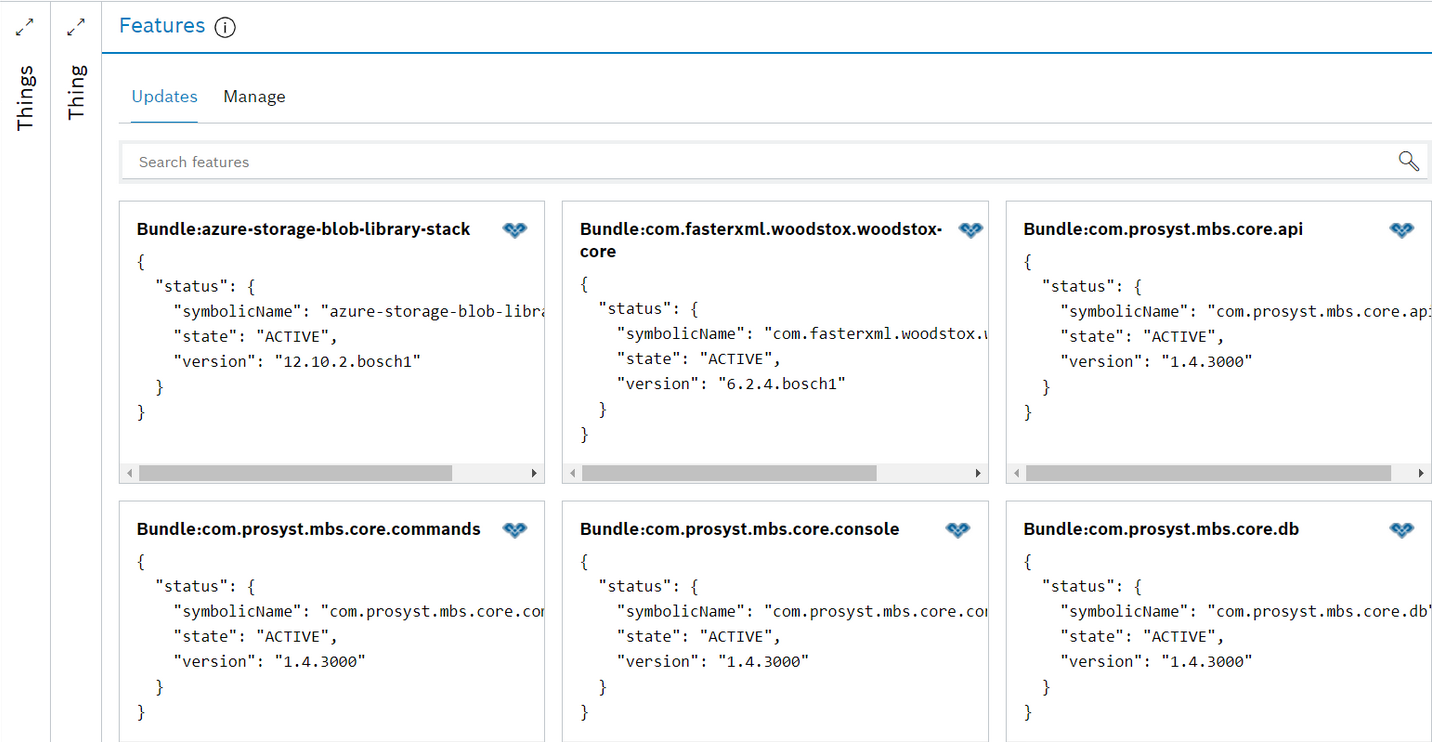
As a result all installed OSGi bundles are represented as features of the Edge Services bundles thing <namespace>:<gatewayId>:edge:services:bundles:
Local connection
Set the BundleFactory property filter to register as functional items all OSGi bundles that match the LDAP filter value.
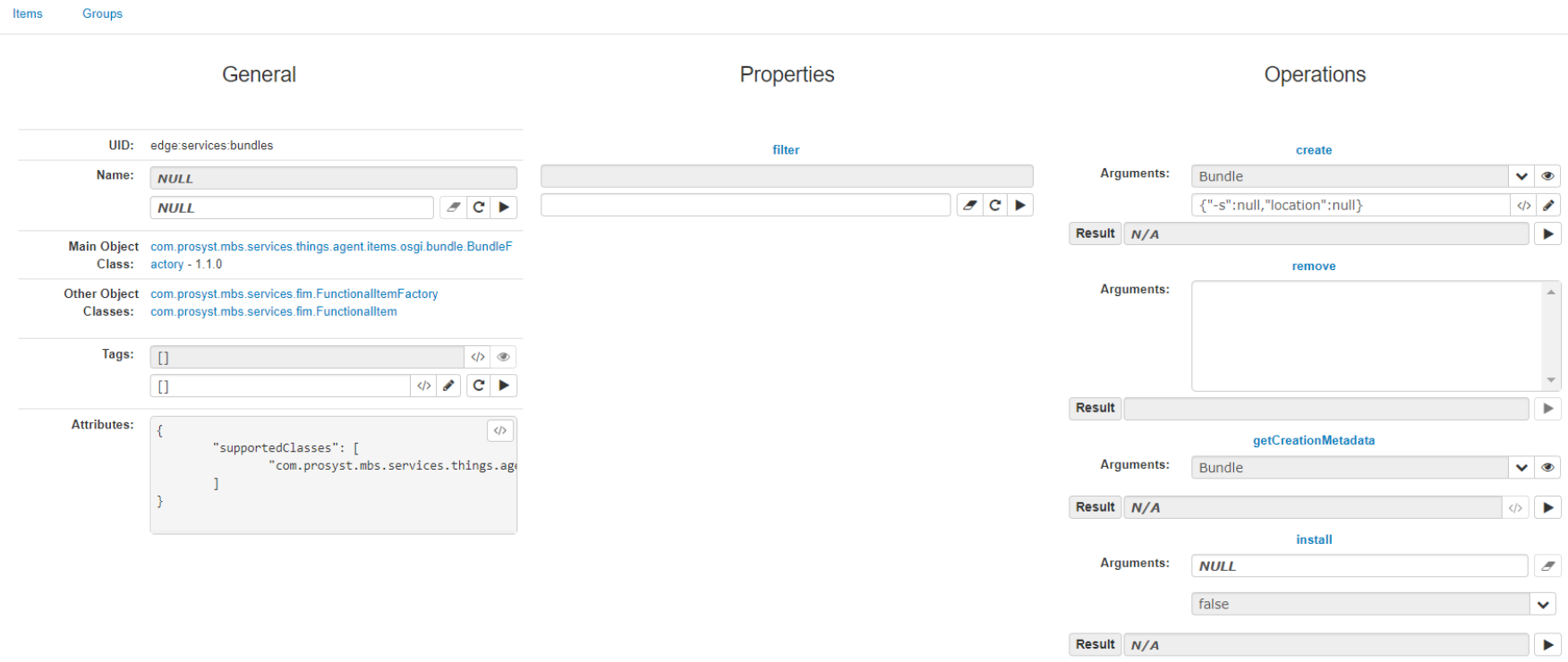
The implementation of the BundleFactory and its property filter is bound to an OSGi configuration named Things Agent Bundle Factory with pid com.prosyst.mbs.things.agent.items.osgi.bundle.pid.
A change of the filter property value through its setter method reflects the filter property of the OSGi configuration; and vice versa – a change in filter property of the OSGi configuration affects the filter property of the BundleFactory functional item.
