


|
|
|
|
|
This guide explains how to update bundles using the Software Update functionality of Bosch IoT Rollouts. A property filter is provided in SoftwareUpdatable:Bundle feature to include for update only those bundles, matching its LDAP filter value.
Cloud connection
The OSGi bundles for update are included in installedDependencies property of the SoftwareUpdatable:Bundle feature in the Edge Services bundles thing. The OSGi bundles match the value of the property filter, which should be set different from null or empty. Go to Command and Control build to learn how to set the functional item property.
The following example demonstrates how to include all installed OSGi bundles in Edge Services runtime in installedDependencies property of the SoftwareUpdatable:Bundle feature of Edge Services bundles thing <namespace>:<gatewayId>:edge:services:bundles:
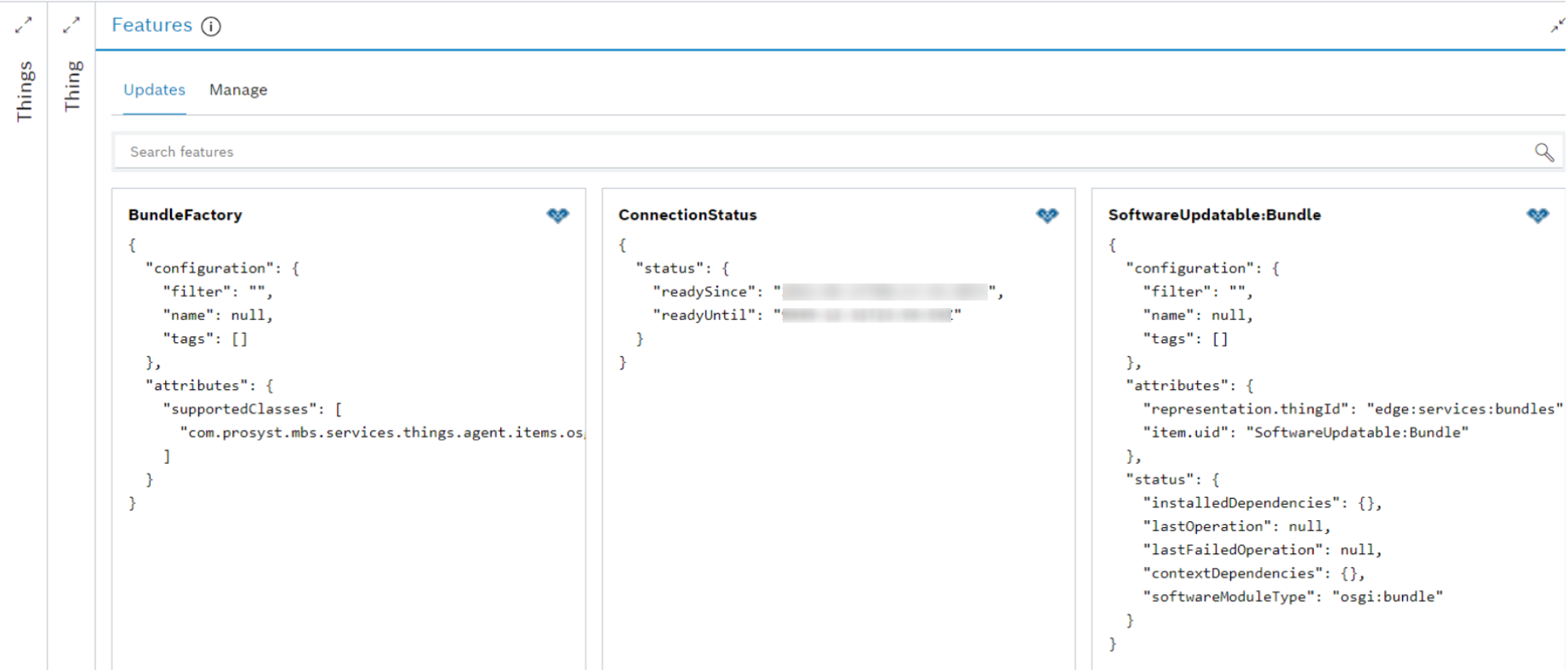
Set the SoftwareUpdatable:Bundle property filter to *:
POST /things/<namespace>:<gatewayId>:edge:services:bundles/features/SoftwareUpdatable:Bundle/inbox/messages/$set.configuration/filter
with payload
"*"
As a result all installed OSGi bundles are included in installedDependencies property of the SoftwareUpdatable:Bundle feature:
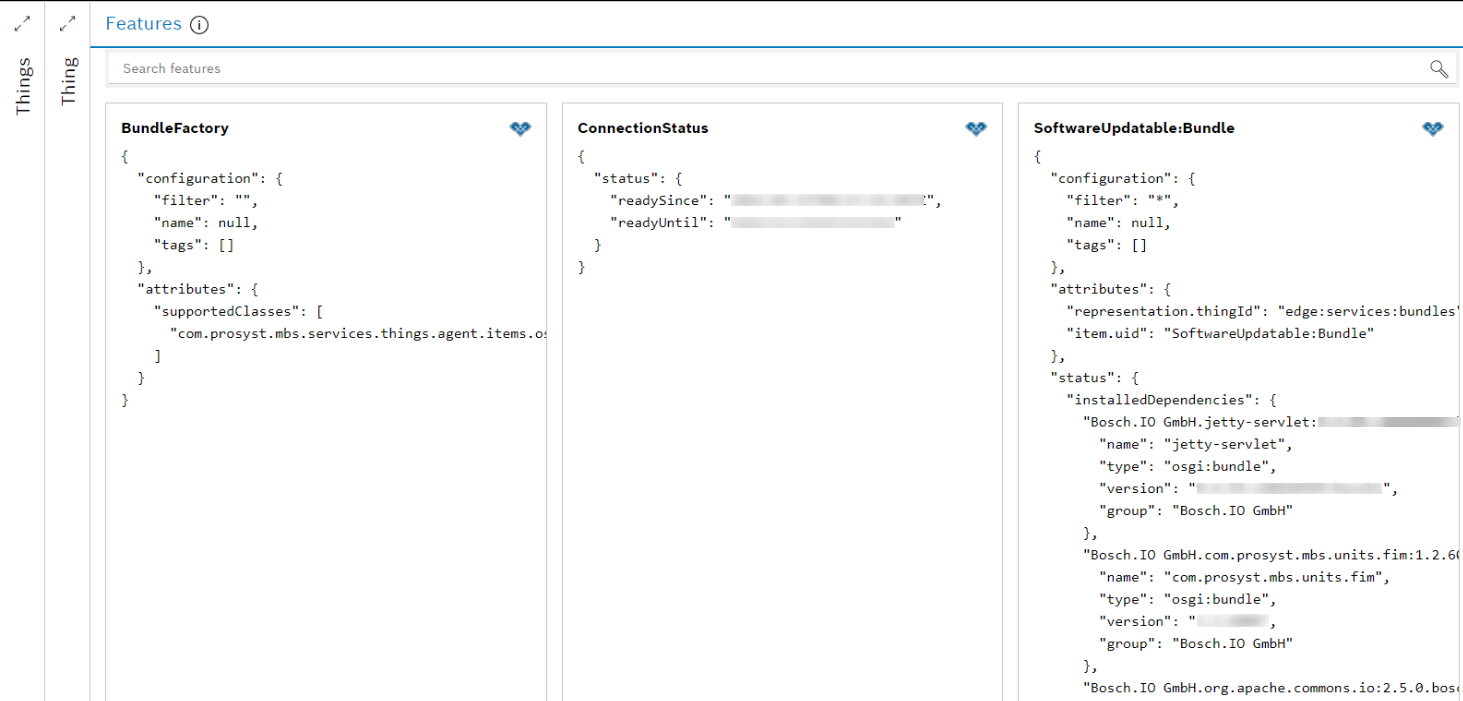
Local connection
Set the LDAP filter of the SoftwareUpdatable:Bundle property filter to include only the bundles to be held in the installedDependencies property of the SoftwareUpdatable:Bundle feature.
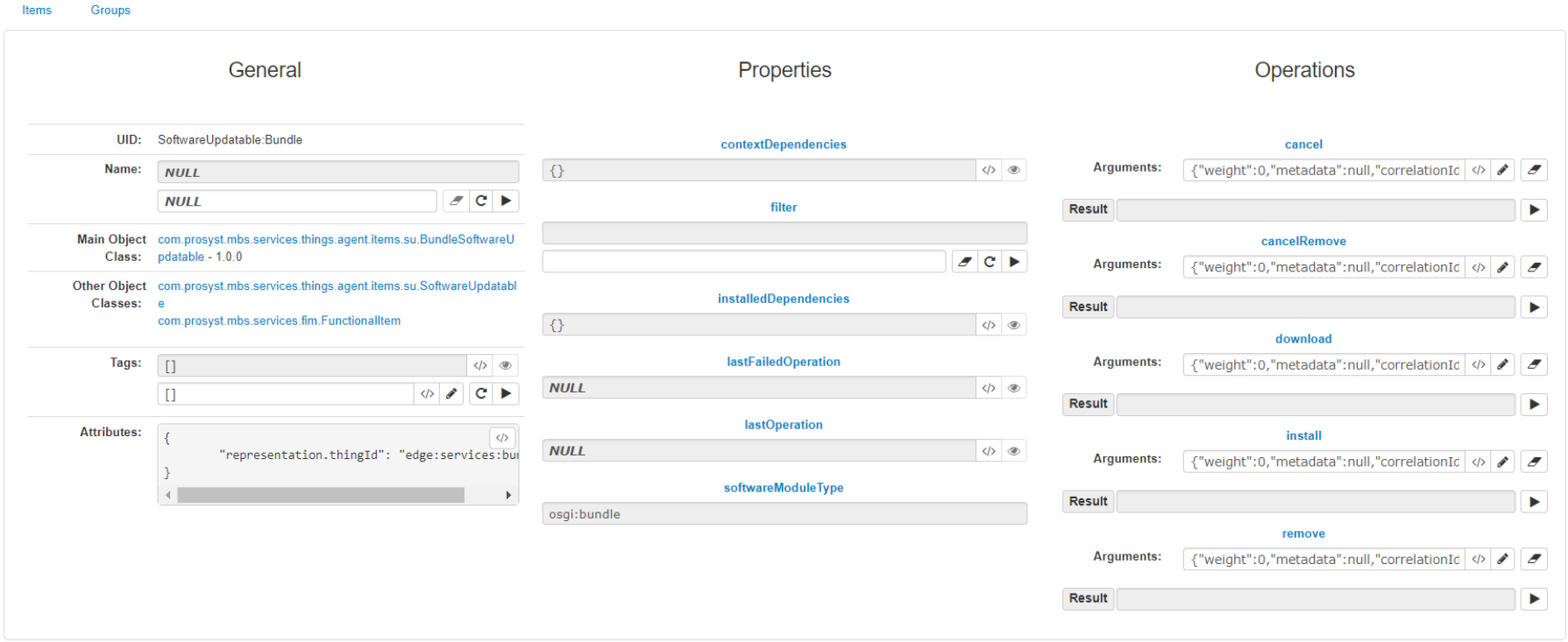
When Things Agents is started, the SoftwareUpdatable:Bundle functional item is registered by default and the feature property installedDependencies is empty. Both the SoftwareUpdatable:Bundle functional item and feature provide the configuration property filter. The SftwareUpdatable:Bundle feature will hold in its installedDependencies property only the bundles for update that match the filter. The default value of the filter property is empty, meaning the insalledDependencies property will remain empty too.
