|
|
|
|
|
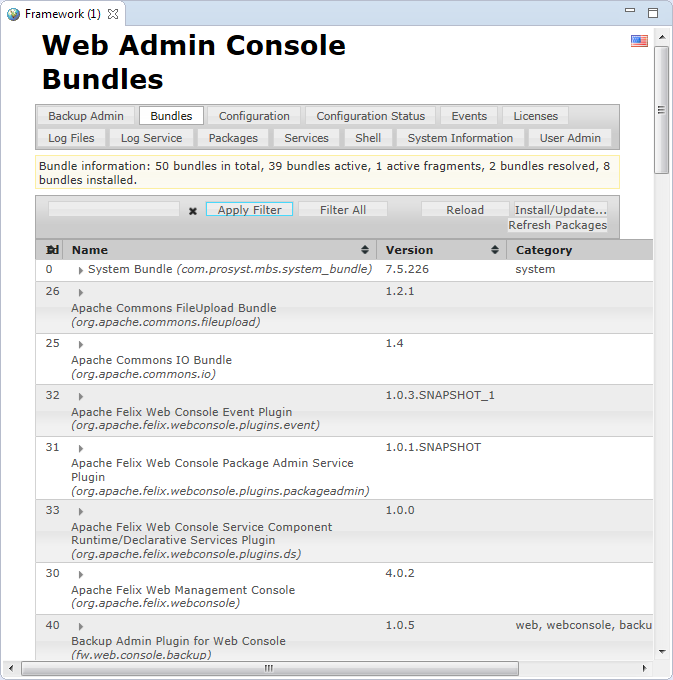
It is developed on top of the Apache Felix Web Console. For thorough information about the Web Admin Console refer to the "Web Admin Console" document.
mToolkit allows you to use the capabilities of the Web Admin Console from inside Eclipse thus extending the options offered for managing OSGi platforms straight from the development environment.
To open the Web Admin Console in Eclipse:
 button from the toolbar of the view.
On success, a Web view will be opened in Eclipse showing the start page of the Web Admin Console to the OSGi runtime. By using the console you can manage bundle lifecycle, modify configuration dictionaries, view generated logs, etc.