|
|
|
|
|
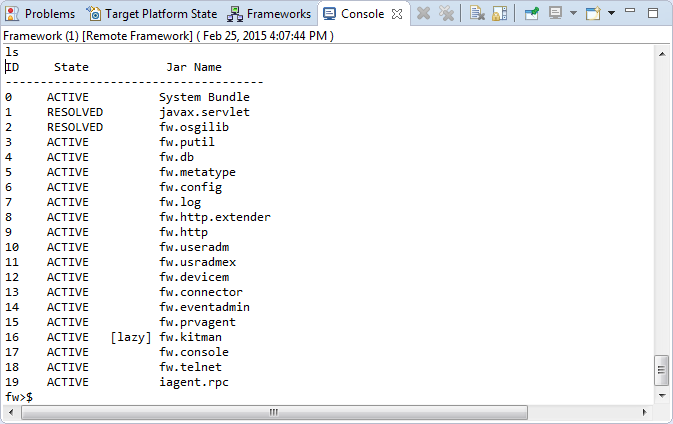
You can issue console commands remotely to a connected OSGi framework from the Eclipse Console view. Type the command in the Console view and press ENTER. For a list of support OSGi framework management commands, use the help command.
To switch to the console of a particular framework from the Frameworks view, select a node from the framework's tree and use the Show Console. The Console view will be opened with the console to the framework automatically selected.
If several OSGi frameworks are connected at the same time, choose the console that corresponds to each of the available OSGi frameworks from the Display Selected Console pull-down menu: