|
|
|
|
|
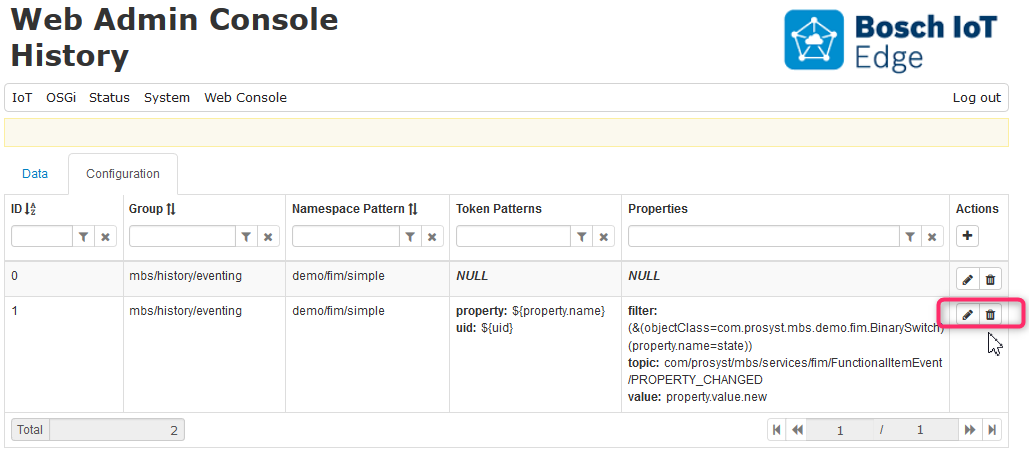
The History module allows you to add and edit configurations as shown below.
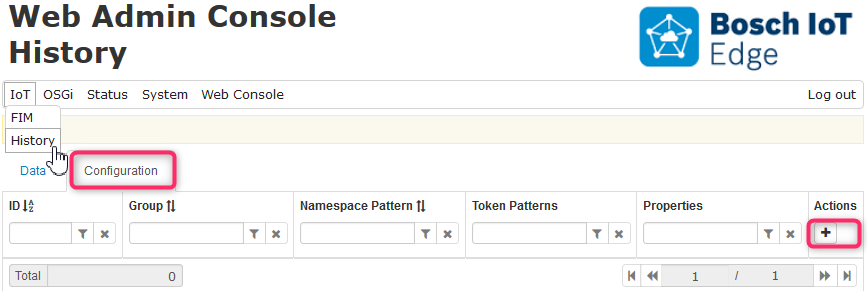
After installing the History Web Console module choose Configuration tab and add operation from Actions column:
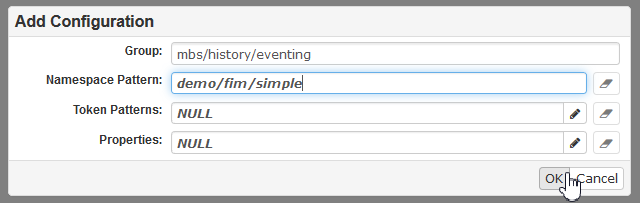
Fill in at least the Group and Namespace Pattern to create a new configuration:
The new configurations you create in this way you can easily edit and remove: