


|
|
|
|
|
Commands, conditions and rules can be exported as Config Tree nodes and then imported to other systems.
You can either export all commands, conditions and rules in HAM, or only those of them that are assigned to a certain application:
Exporting All Commands, Conditions and Rules
To export all created commands, conditions and rules, to a file:
 button.
When imported, this file will overwrite all commands, conditions and rules in the target system.
Exporting by Application
To export an application's commands, conditions and rules.
 button.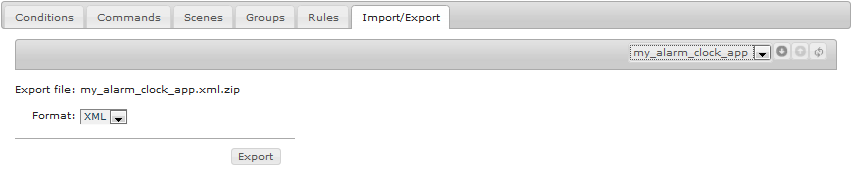
Importing Commands, Conditions and Rules
To import a previously exported set of commands, conditions and rules:
 button.