


|
|
|
|
|
The application abstraction layer lets you group a set of commands, conditions and rules that are used by a certain client application. Applications can be easily ported from/to different systems.
Assigning a Command/Condition/Rule/Scene to an Application
To define an application, you need to assign at least one command, condition, scene or rule to it. To assign a command, condition, scene or rule to a command follow these steps:
 button in the relevant tab) or modify an existing one (by clicking
  ).
).You may observe the applications that hold your commands, conditions, scenes and rules, in the Application column of the respective tab.
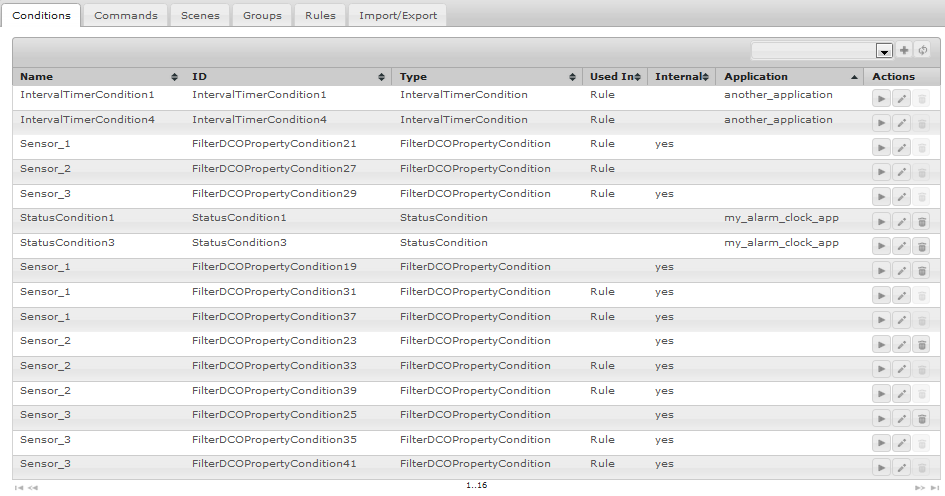
Filtering Commands/Conditions/Scenes/Rules by Application
After you define an application, you may configure the Web Admin Console to show you only the commands, conditions, scenes and rules that are assigned to it.
To filter your commands, conditions, scenes and rules by application:
button. You will see all applications that are defined.To go back to seeing everything, open the menu again and select the empty entry at its top.

All new commands, conditions, scenes and rules that you create while an application is selected will be automatically assigned to it. Commands, conditions, scenes, groups and rules of an application, that is stopped/uninstalled are not loaded.