|
|
|
|
|
Follow the general steps for discovering and connecting BLE devices.
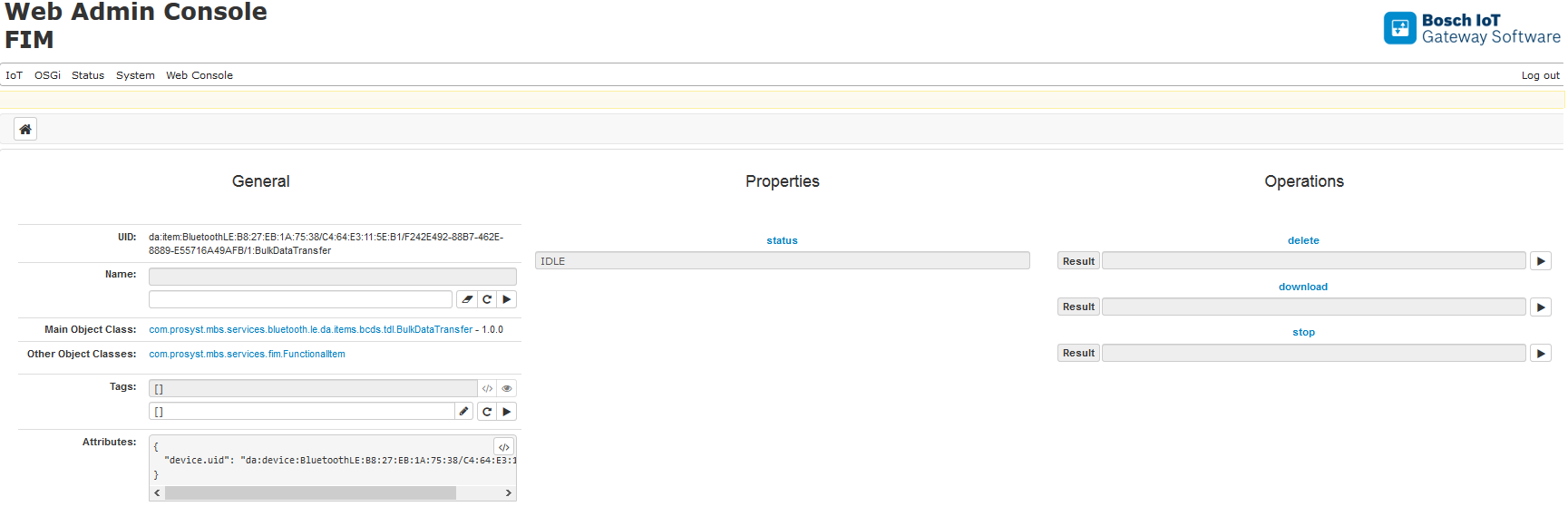
After successfully connecting a BCDS TDL device, a new device item, representing the Bulk Data Transfer service will be registered. Using this service you will be able to manage logged data from download or deletion.
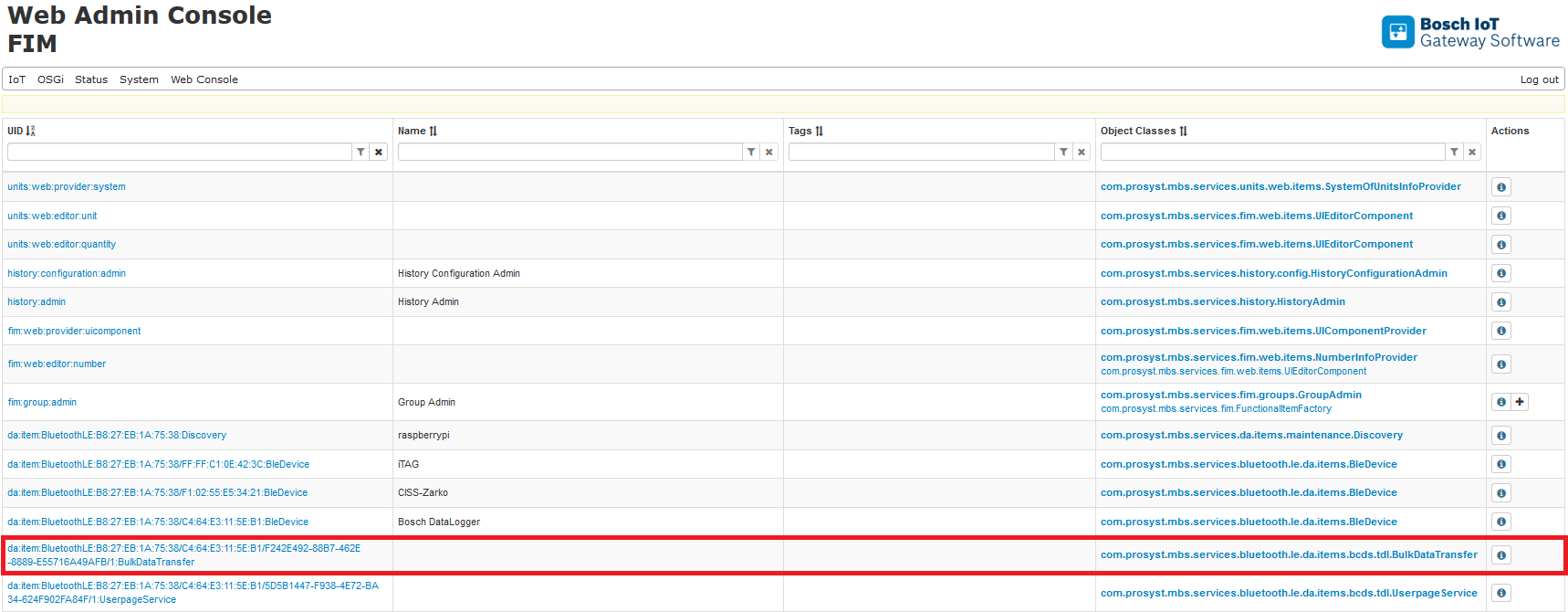
To configure the Bulk Data Transfer service, click the Details button of the com.prosyst.mbs.services.bluetooth.le.da.items.bcds.tdl.BulkDataTransfer item.
Properties
The status property indicates the current status of the device.
Operations
Before executing Bulk Data Transfer operations set UserpageService loggingState to FALSE.