When Bosch IoT Gateway Software is integrated with Azure IoT, removing new devices with their functionalities will also remove them form the list of IoT devices in Azure.
The example below demonstrates removing devices via the Web Admin Console.
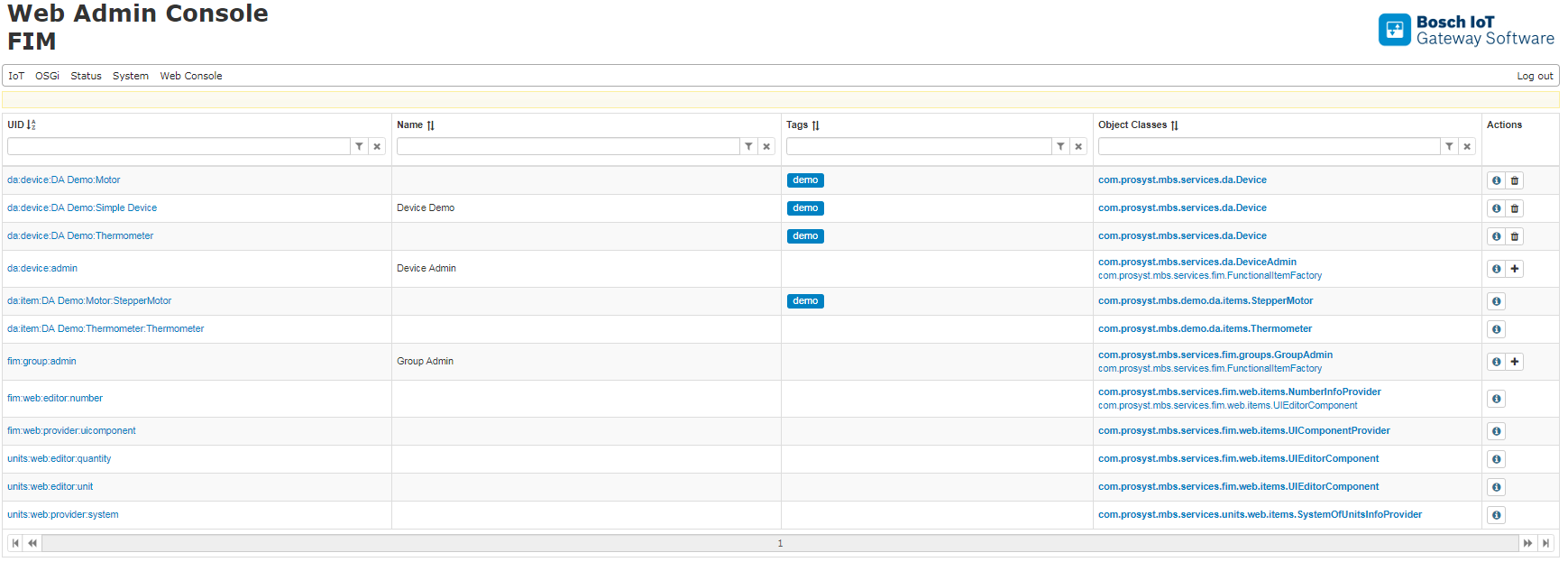
Open the Bosch IoT Gateway Software Web Admin Console. From the top menu navigate to IoT > FIM.
Remove device with uid:test-device by clicking on "Delete" icon on the right.
As a result, the device and its functionalities are not available in the below screenshot.
Go to the Azure portal. Go to your IoT Hub > IoT devices. Select Refresh and verify that the removed device with uid:test-device and device item with uid: test-item are not available.