


|
|
|
|
|
The Web Console is a developer tool and must not be used in production.
To view the services exported by all bundles running in the framework, navigate to the Services page through the corresponding navigation tab.
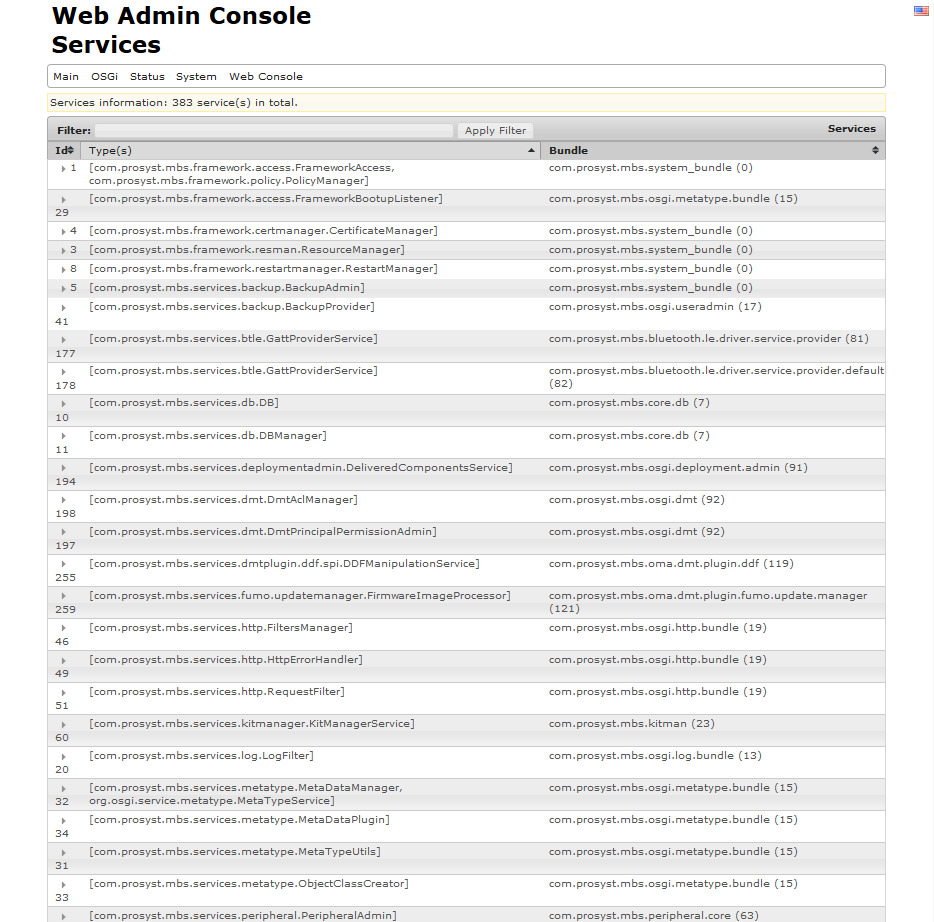
The Services page contains a list of all services exported by the bundles. You can order the available services by service ID and also alphabetically by the object classes under which services are registered or by the bundle symbolic name of the exporting bundle.
Click on the arrow before the service ID number in the Id column to view the registration properties of the service. They are loaded in the Type(s) column under the object class(es) under which this service is registered (a single service can be registered under more than one object class).
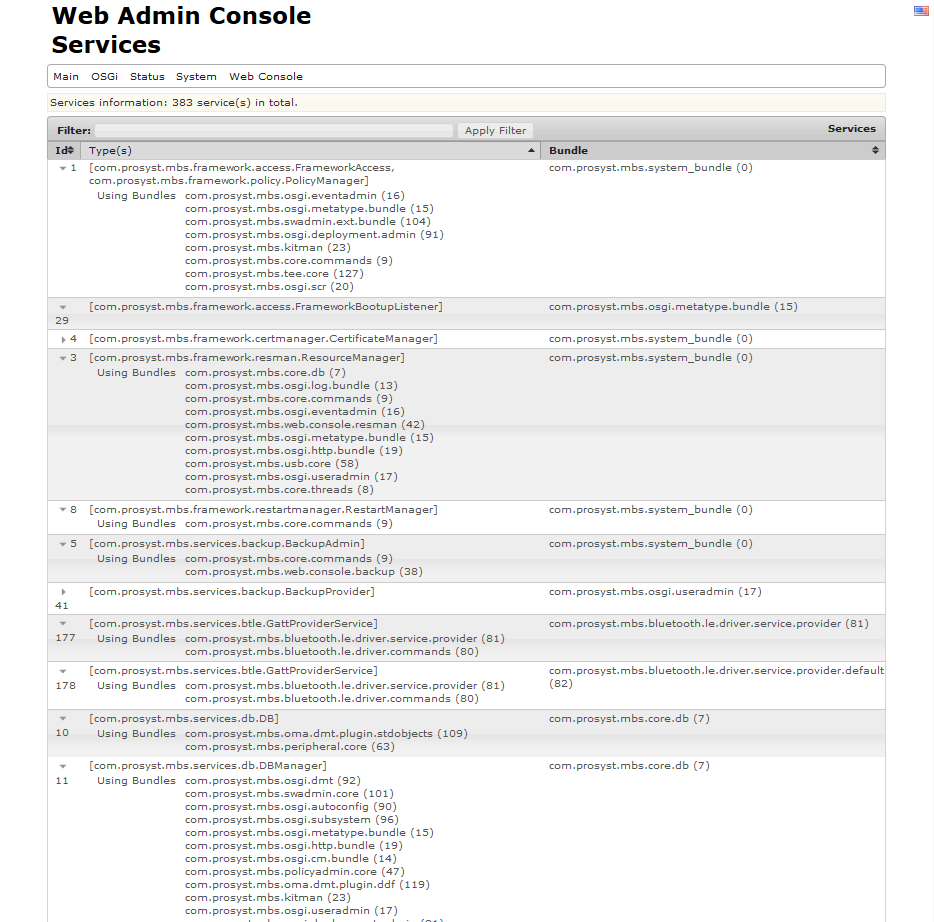
The Bundle column displays the symbolic name of the bundle that registered the service. Click on it to view the general information for the bundle loaded in the Bundles page.