


|
|
|
|
|
The Web Console is a developer tool and must not be used in production.
Factory configurations are displayed in the Configurations table in italic style. The property editor for a factory configuration is displayed after you click the  button. The configuration instances contained in the factory configuration are listed below it, preceded with an arrow. To view the properties of a configuration instance select it from the table.
To create a new configuration instance:
button from the Actions column in the corresponding factory configuration's row.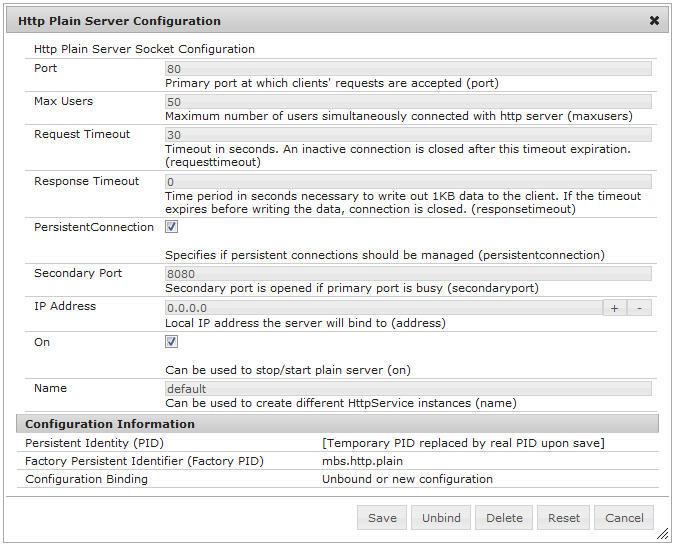
As a result, the newly created configuration will appear under the factory configuration and you can edit the values of its properties . The PID of the configuration is generated automatically and is displayed in the Persistent Identity (PID) field of the Configuration Information section.
To remove a configuration instance, press the  button from the Actions column in the corresponding configuration's row.