


|
|
|
|
|
Client bundles may be organized using their catalog properties. You can view and edit catalog properties of a selected PAR file from the Catalog Properties tab of the unit's details.
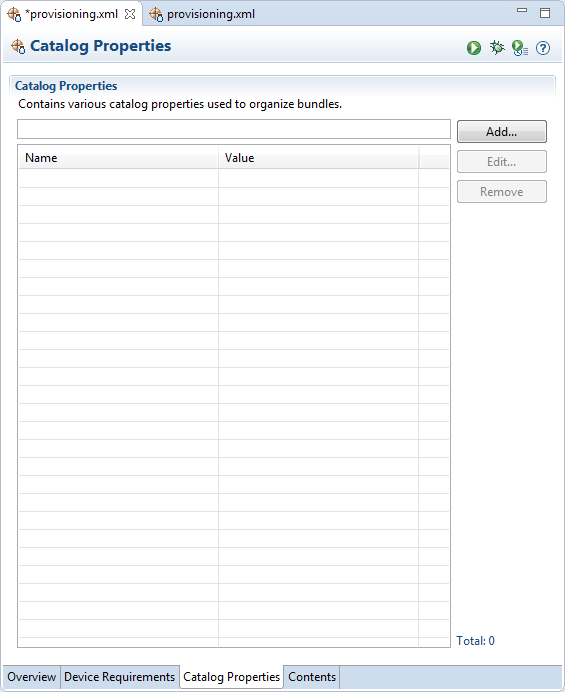
Defining a New Catalog Property
To define a new catalog property:
The Name box shows a list of predefined popular catalog properties.
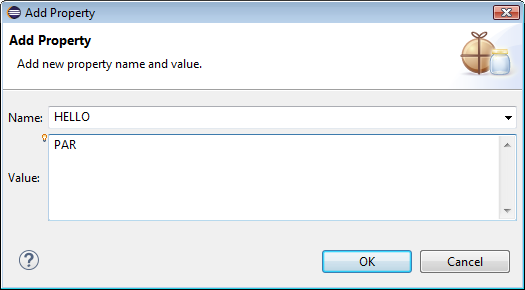
Save the file to apply the changes.
To change a catalog property, select it and click Edit.
To remove a catalog property and its value from a desired PAR file, select it and click Remove.