Launching the PAR Editor
To launch the PAR editor:
- Go to a navigation view, e.g. Package Explorer.
- Double-click on the provisioning.xml file from your PAR Project .
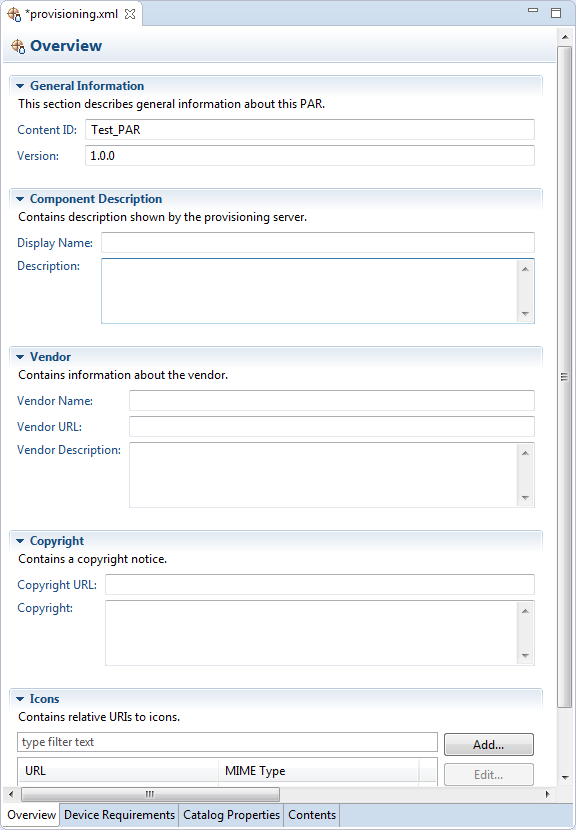
The editor will appear on the right. It has separate tabs for the following operations:
- Changing the general properties of the PAR file
- Introducing device requirements
- Defining catalog properties which can be used for presenting a classification of content to the user
- Adding and removing OSGi bundles