


|
|
|
|
|
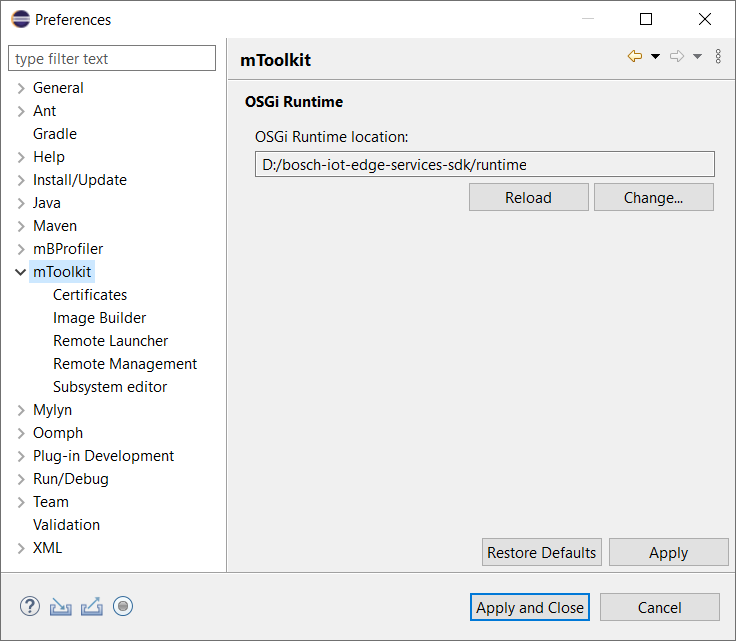
mToolkit allows you to customize remote management of OSGi frameworks - you can configure mToolkit to automatically connect to frameworks which have been already connected by third party Eclipse plug-ins, or to have information about OSGi management logged.
To change mToolkit preferences:
Remote Management
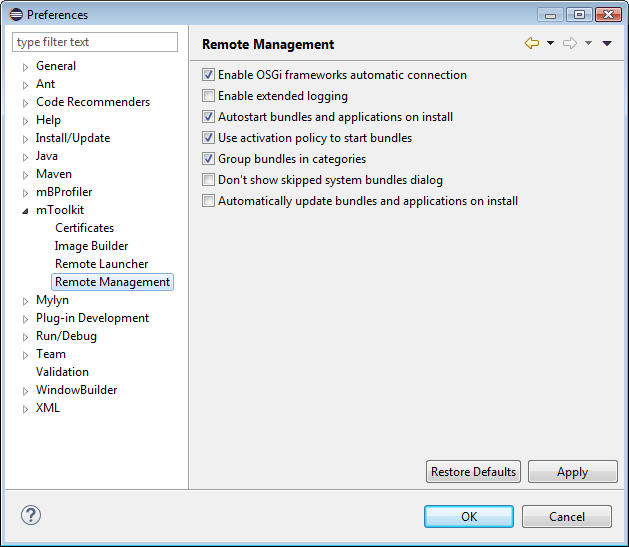
Under the Remote Management preference sub-page, if needed use the following options:
Certificates
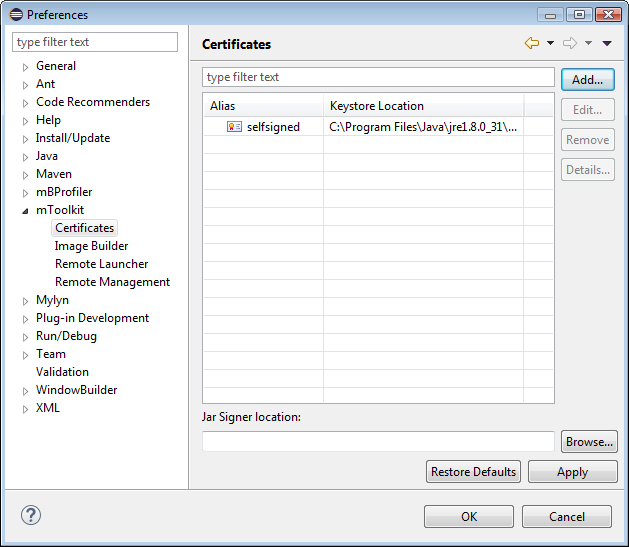
Under the Certificates sub-page specify the certificates (certificate and private/public key pair) which can be used to sign bundles and deployment packages upon deployment on a connected OSGi framework. Signing is activated individually for each OSGi framework in the relevant settings (see "Adding/Removing an OSGi Runtime").
Use the Add button to specify a signer by keystore type and location, and signer alias within the keystore.
Enter the path to the jarsigner executable of your JDK in the Jar Signer Location text field or use the Browse button to locate it in the file system. It will be used to sign bundles and deployment packages.
Remote Launch
The Remote Launcher sub-page allows you to set a timeout (in seconds) for a connection to a framework as (re)launching the OSGi runtime remotely on a slow device might take more timeout than originally expected. The default setting is 60000 ms. It also allows to set the Debug/profiler attach timeout and the Restart VM timeout.
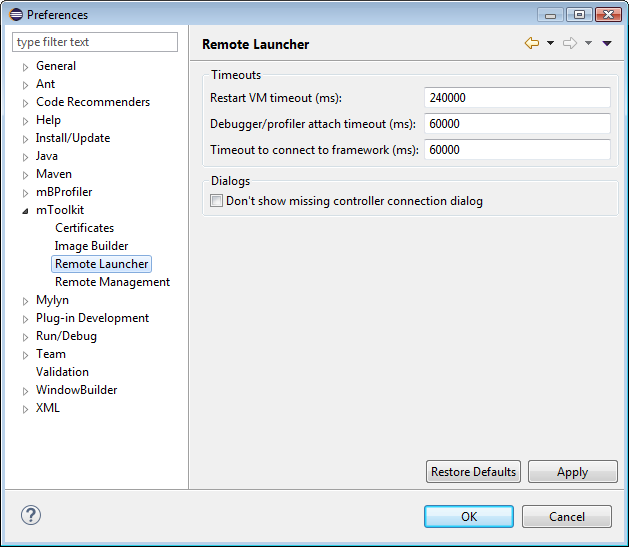
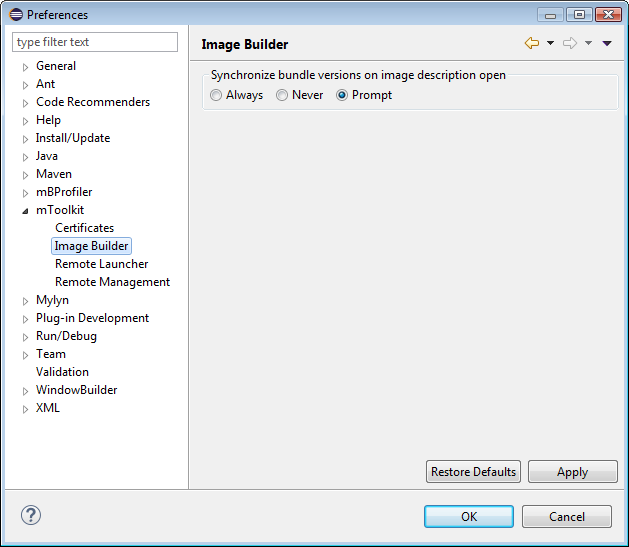
Image Builder
The Image Builder tab allows us to set up bundle version synchronization when an image is opened inside Eclipse.
Saving Changes
To save the changes made to the mToolkit preferences and options: