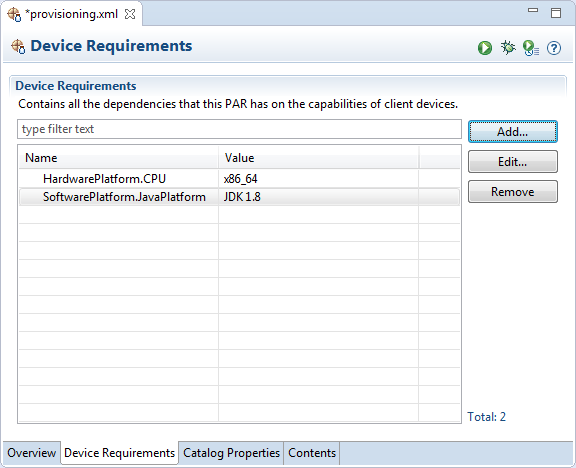
The requirements of a PAR file determine the capabilities of devices on which it can be deployed. To specify the device requirements, go to the Device Requirements tab of the PAR Editor.
Define a Required Device Requirement
To define a required device requirement:
Click the Add button. The Define New Requirement dialog will appear providing a convenient UI for setting a requirement property.
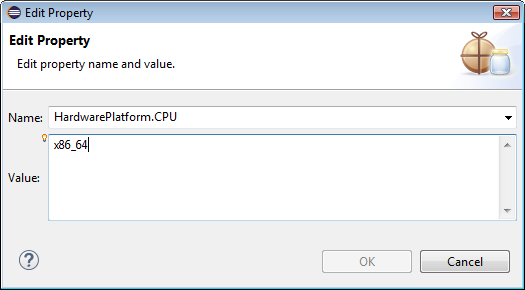
In the Add Property dialog specify the following information and click OK to apply the changes:
Choose or type the requirement property in the Name box.
The box shows a list of conventional requirements such as SoftwarePlatform.OSName, SoftwarePlatform.OSGi.Specification, HardwarePlatform.CPU, etc.
In the Value box type a required value.
Click OK.
To change a requirement entry, select it and click Edit.
To remove a requirement, select it and click Remove.