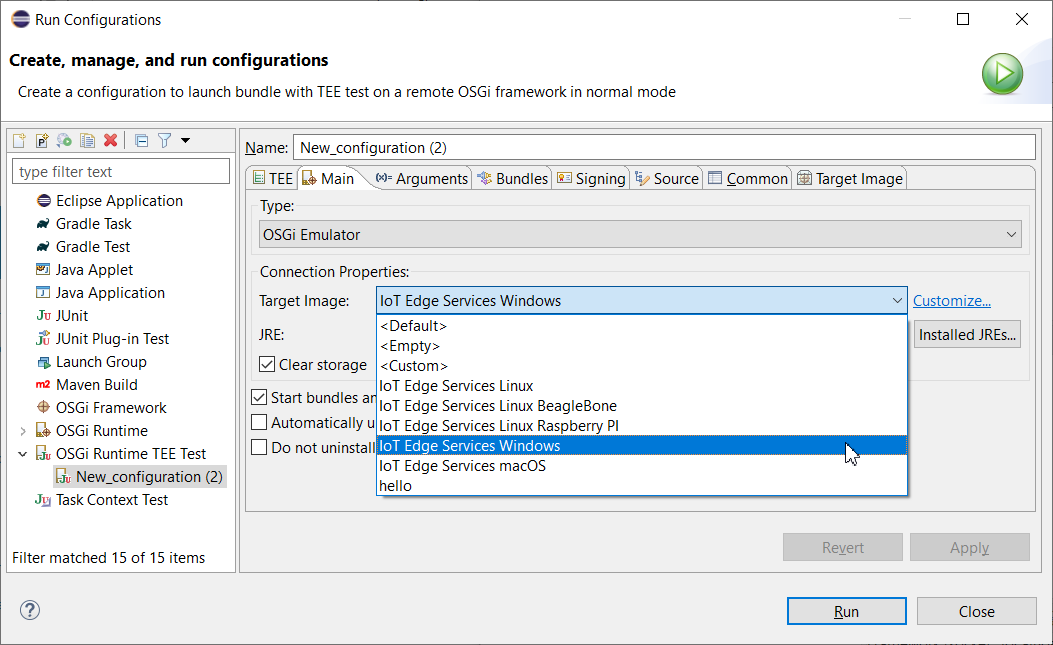
Open the Launch Configuration dialog by browsing to Run As > Run Configurations or Run As > Debug Configurations.
Create a new launch configuration of type OSGi Runtime TEE Test - right-click the OSGi Runtime TEE Test node and select New. The configuration name will start with New_configuration - you might rename it if needed in the configuration's Name field.
In the TEE tab you can Add Projects, Add JARs and Add External JARs to the OSGi Runtime TEE Test launch configuration.
For the rest of the tabs refer to "Creating a Remote OSGi Framework Launch Configuration" guide.