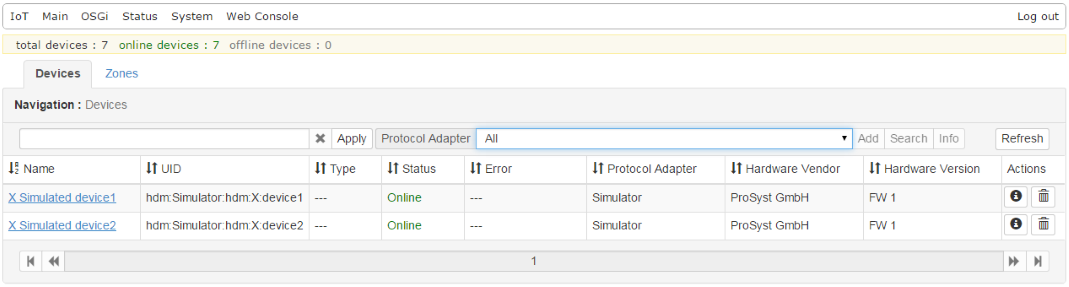
How to access the Home Device Manager via a web interface.
Accessing the Web Admin Console
The Web Admin Console is a web-based application for administering the various components of the Bosch IoT Gateway Software Smart Home.
To access it:
After the Web Admin Console is successfully installed, you can access it through your Web browser by typing the following URL for a plain connection: http://<host>:<port>/system/console, where <host> is the host where your Runtime is running and <port> is the port of the Runtime's HTTP bundle (default is 80). For more information read the "Management via Web Console" document.
Use the default login credentials: user: admin and password: admin, when prompted.
The Devices Tab
The Devices tab of the Web Admin Console will display the devices and zones registered in the Home Device Manager.