|
|
|
|
|
Module Types List
The list of all available Module Types is visible from the second main tab in the Web Console. The upper right corner of the table contains the button for reloading cached module types  .When a new Module Type is added, removed or updated, a corresponding message will be shown in the yellow status line.
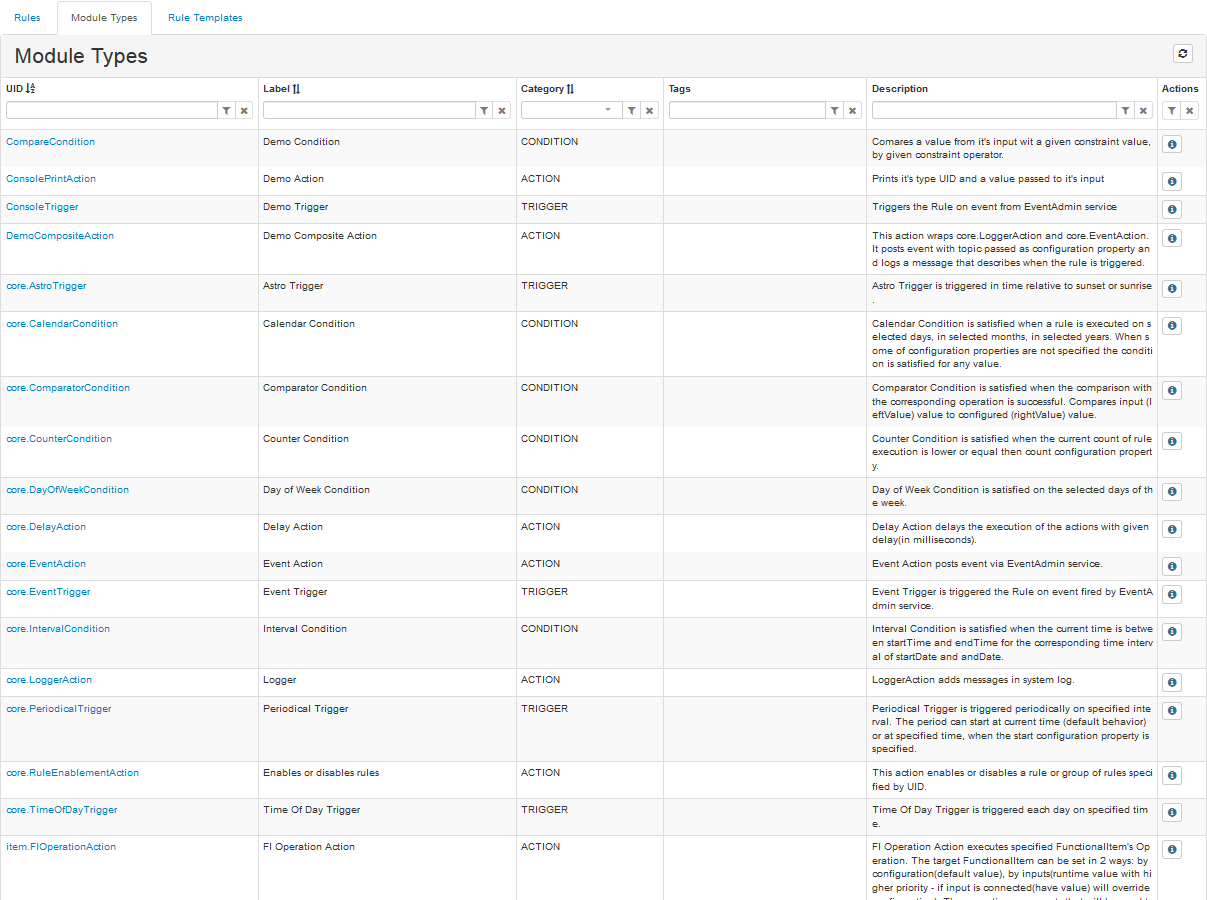
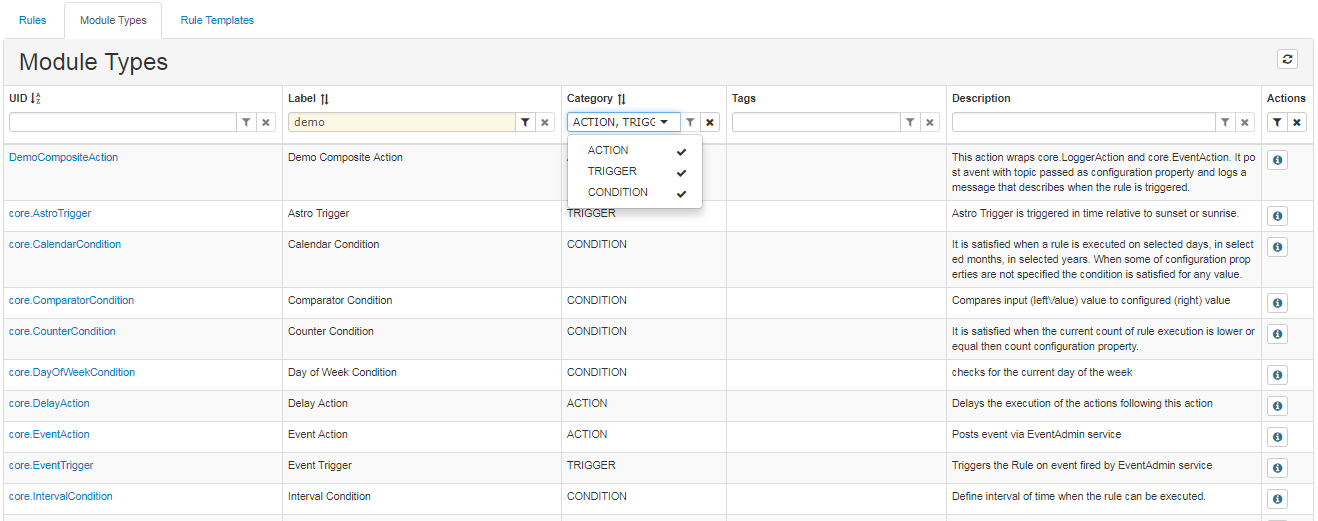
Sorting and filtering is handled through the filtering widgets in the first row as explained in the Rules section. When no Module Types are imported filtering widgets are not visible.
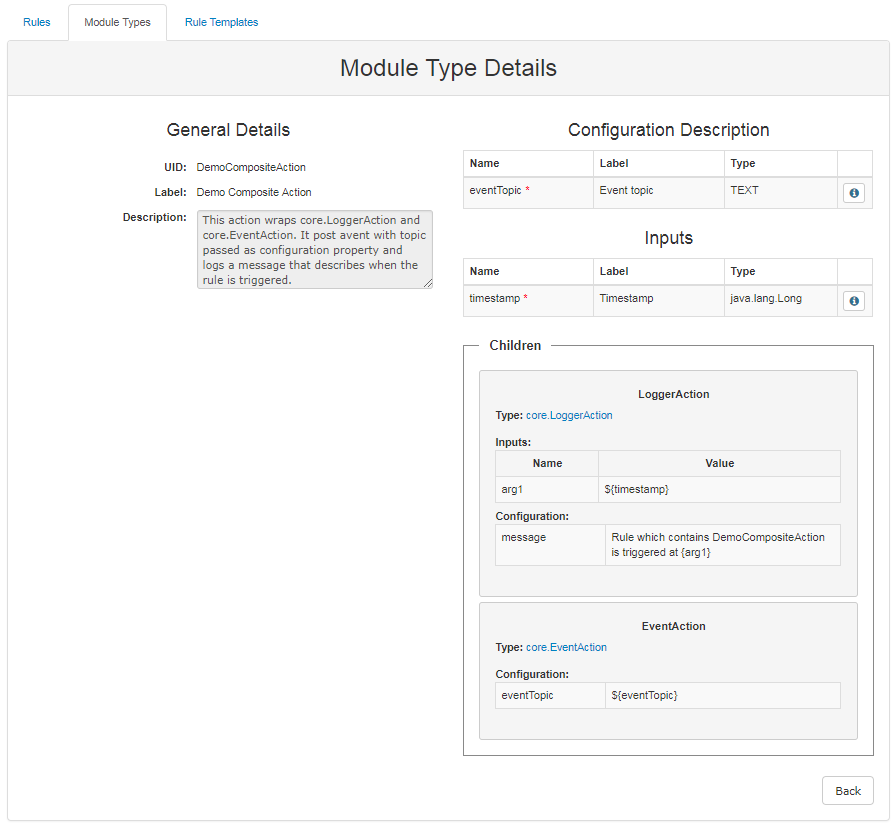
Module Type Details
To open the Module Type Details page click the Details button  , located in the last column or simply click on the desired Module Type's UID.
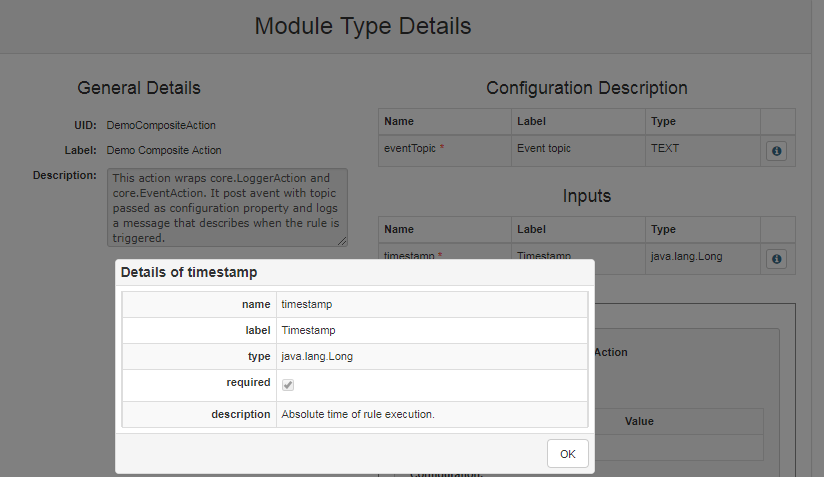
On the left side of the page are situated the General details, that are visible from the main window as well, while on the right side are shown the Configuration Description, Inputs, Outputs and Children.
Full information for each configuration property is available after clicking the  button on the far right. A new window containing all the available information will appear.