


|
|
|
|
|
How to access the Home Automation Manager via a web interface.
Accessing the Web Admin Console
The Web Admin Console is a web-based application for administering the various components of the Bosch IoT Gateway Software Smart Home.
To access it:
The Home Automation Page
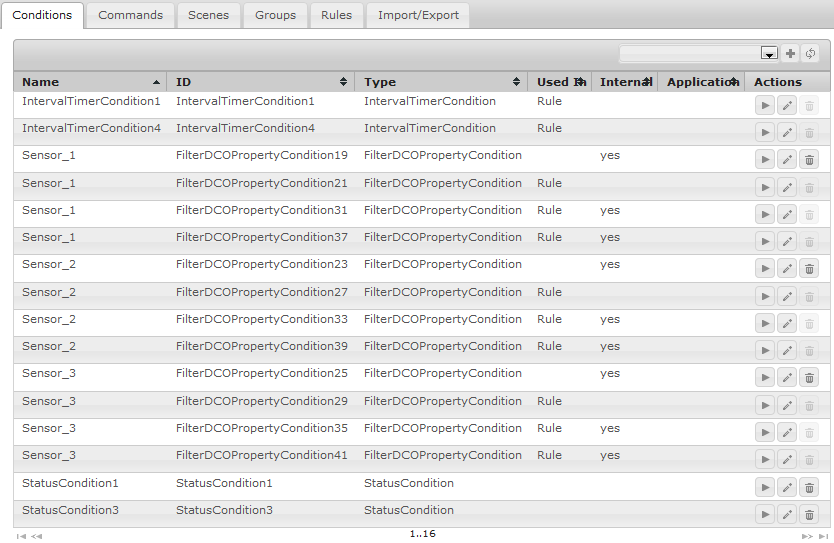
The Home Automation page, named Old Rules shows the available automation components in the Web Admin Console grouped by type - Conditions, Commands, Scenes, Groups and Rules.
Introducing Automation in Other Modules
The Smart Home SDK has several modules that provide an add-on to the UI of the automation engine - this UIs are located in the Home Automation page of the Web Admin Console and they allow introducing automation on top of the modules' functionality. Currently the modules that use the HAM Web UI for the automation logic of their needs are: